What is an AI product background generator?
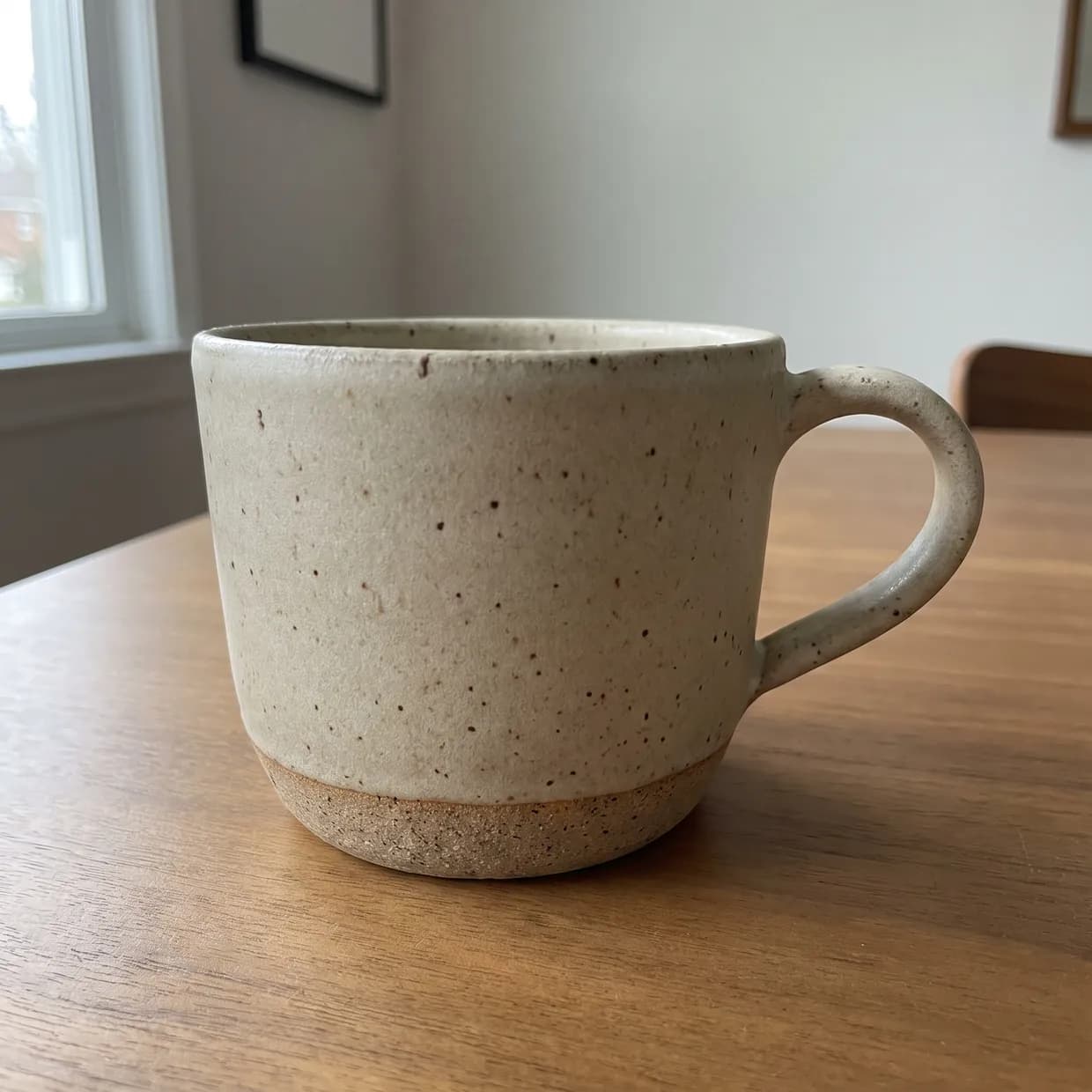
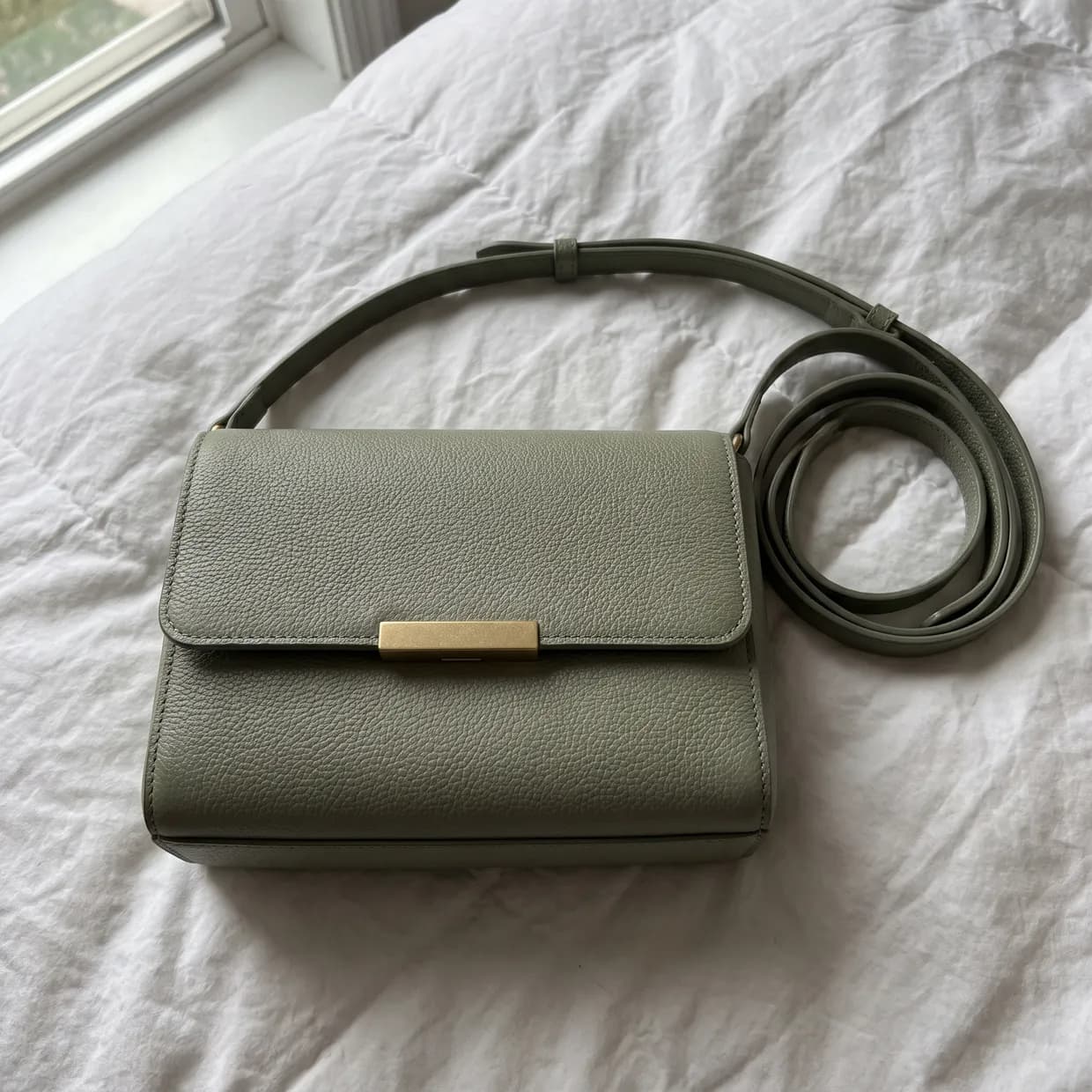
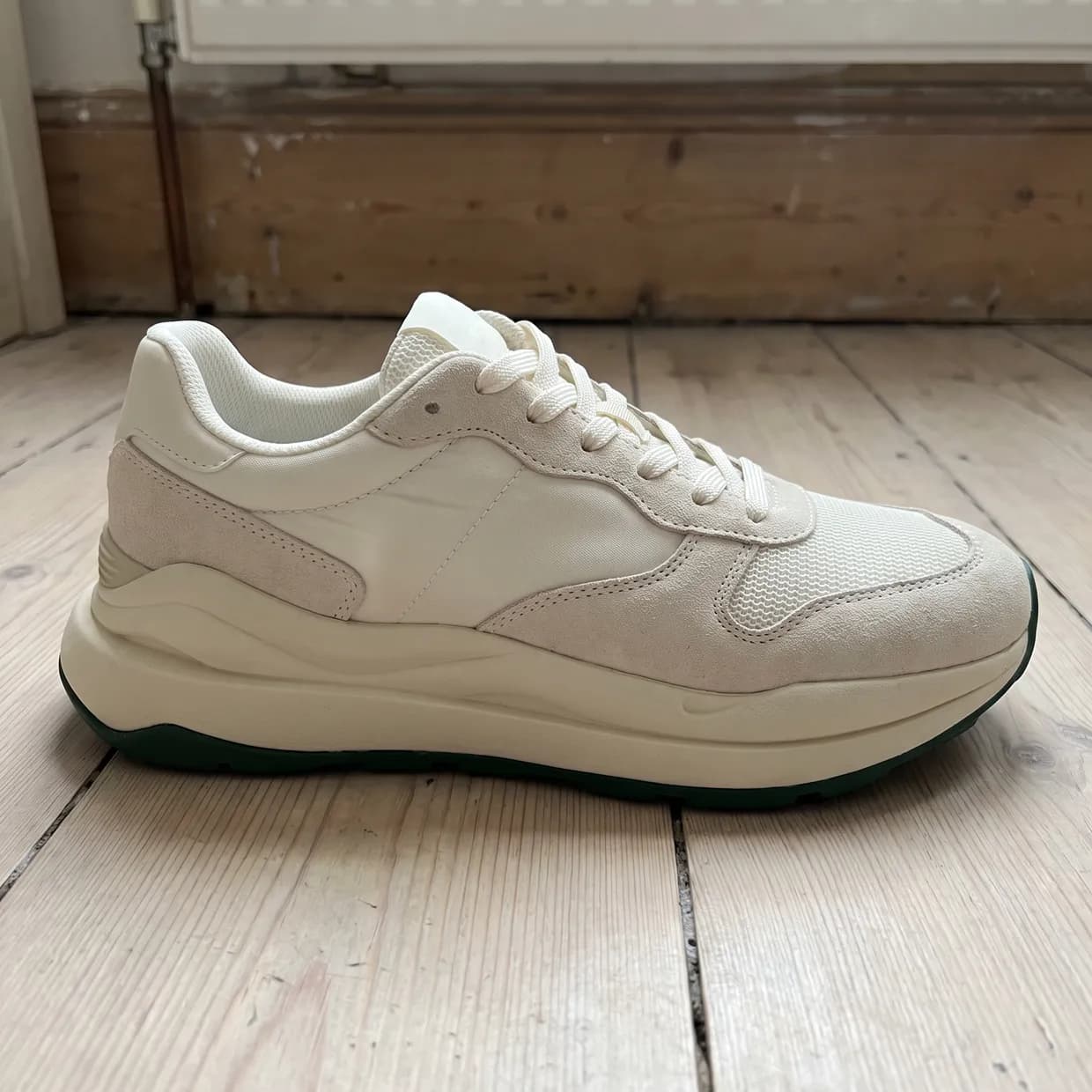
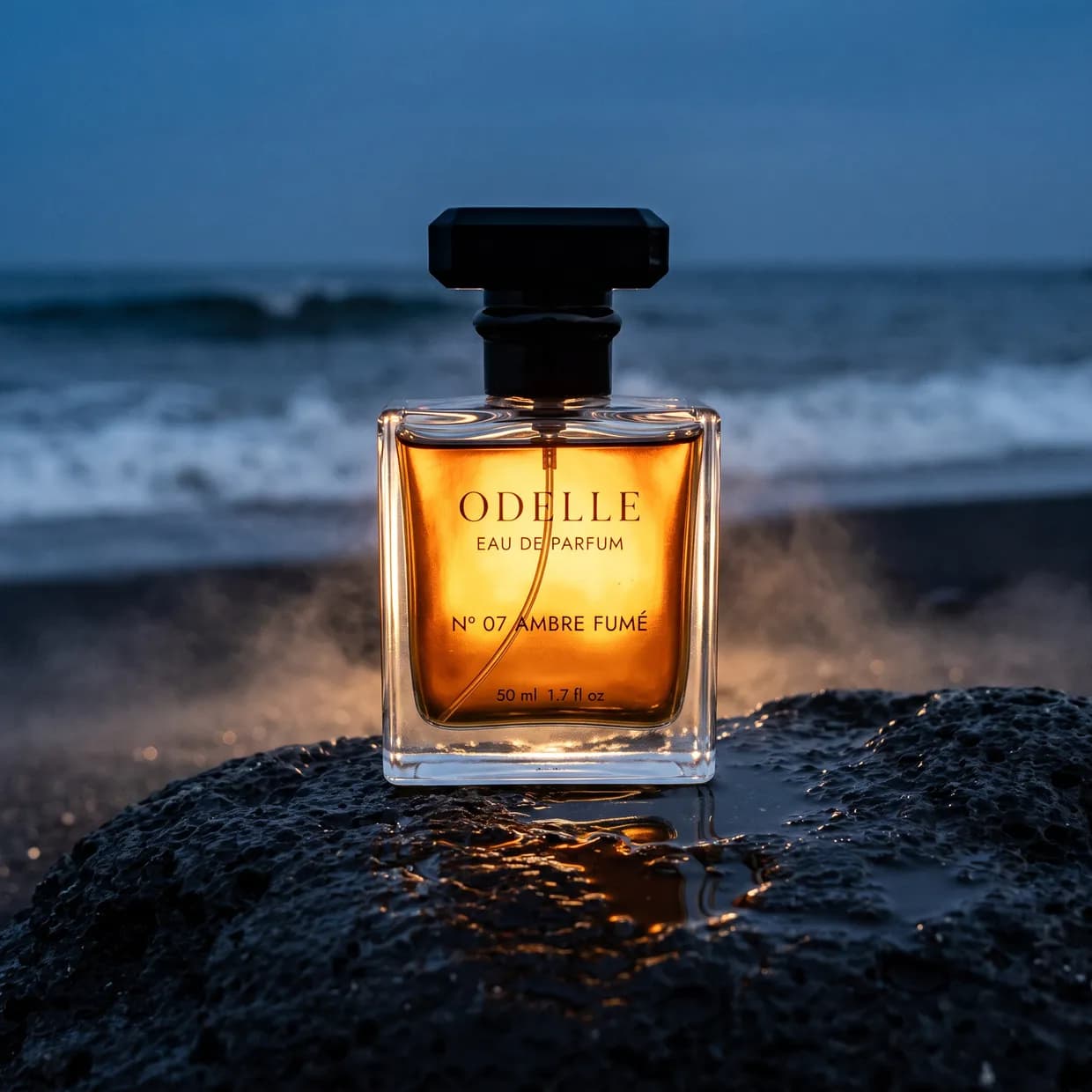
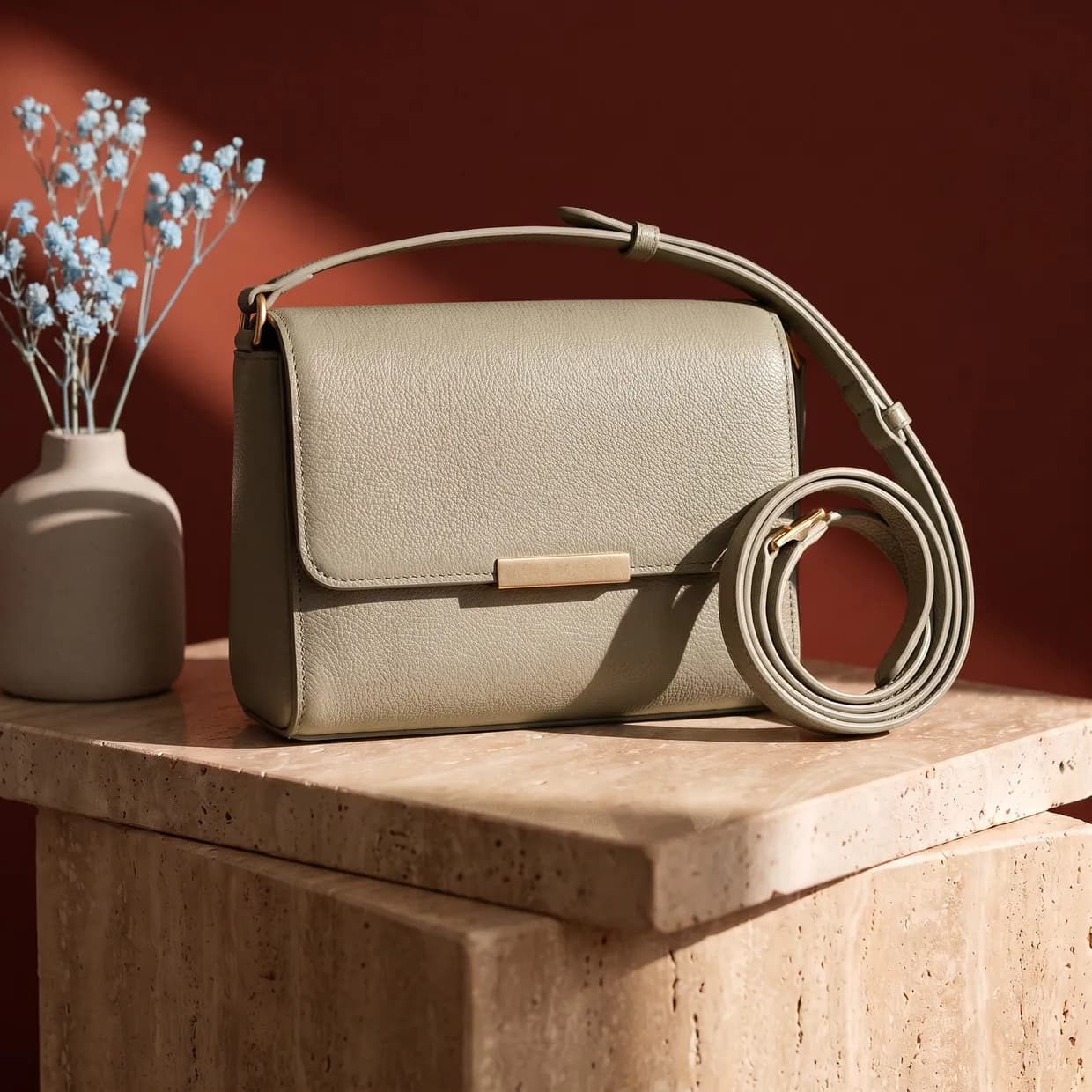
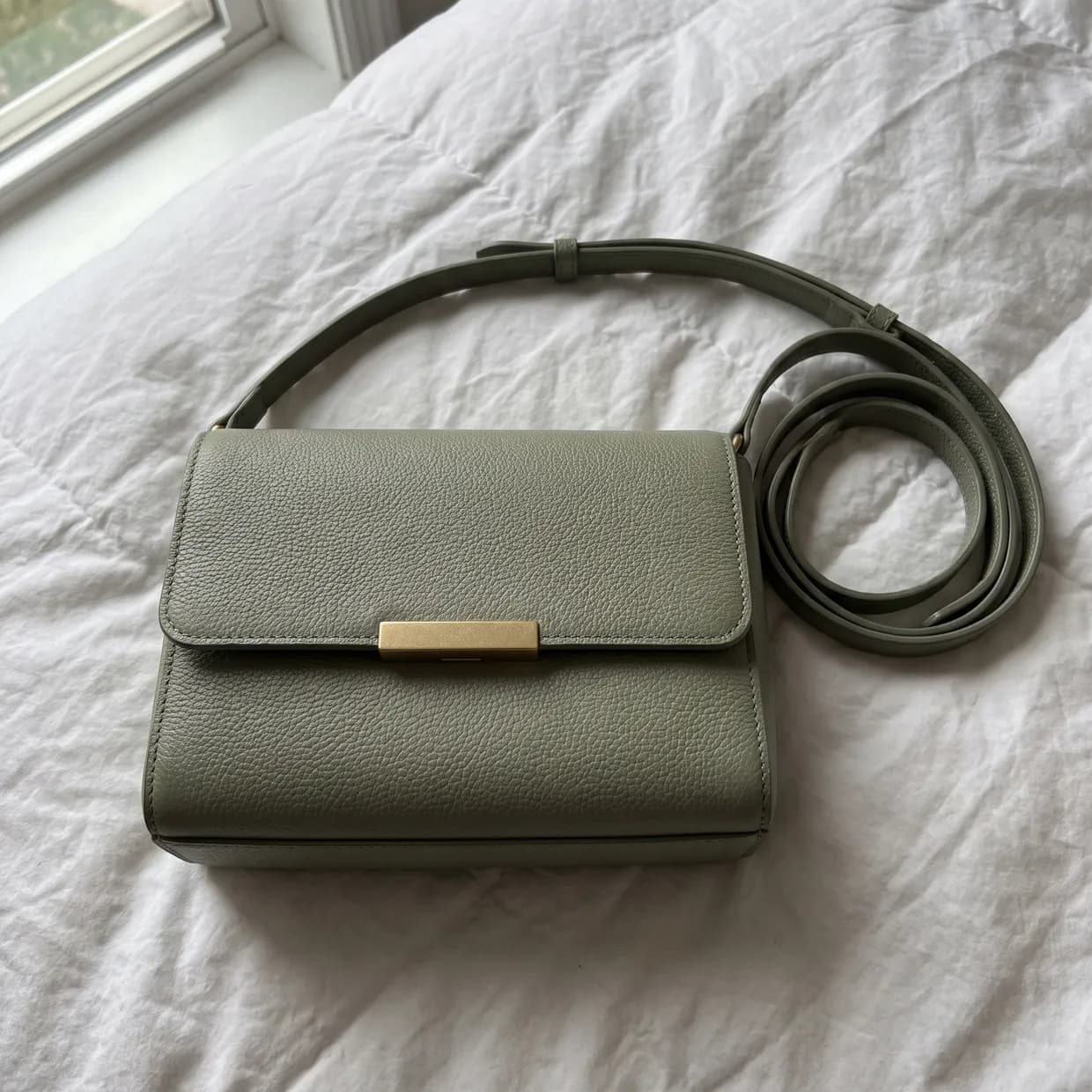
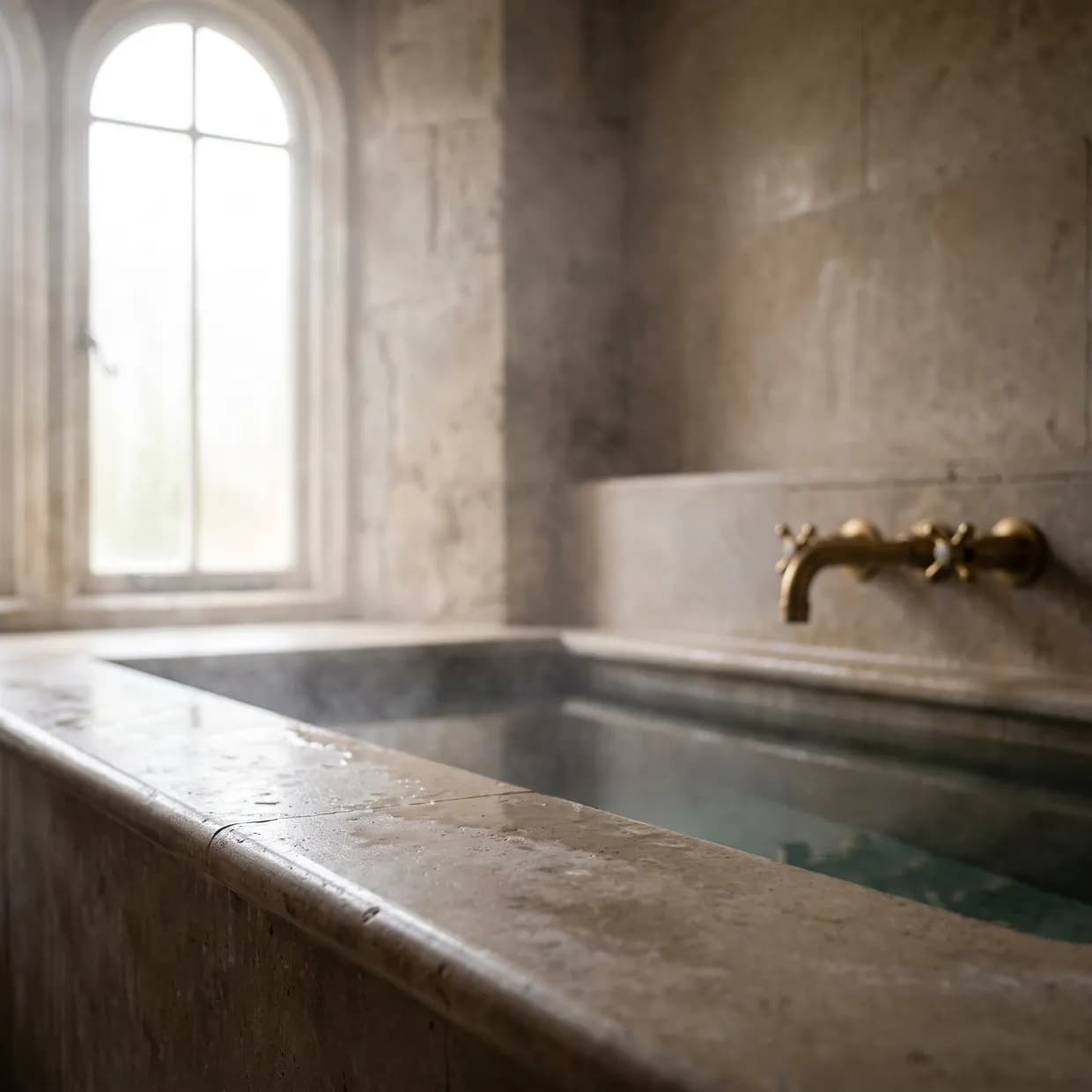
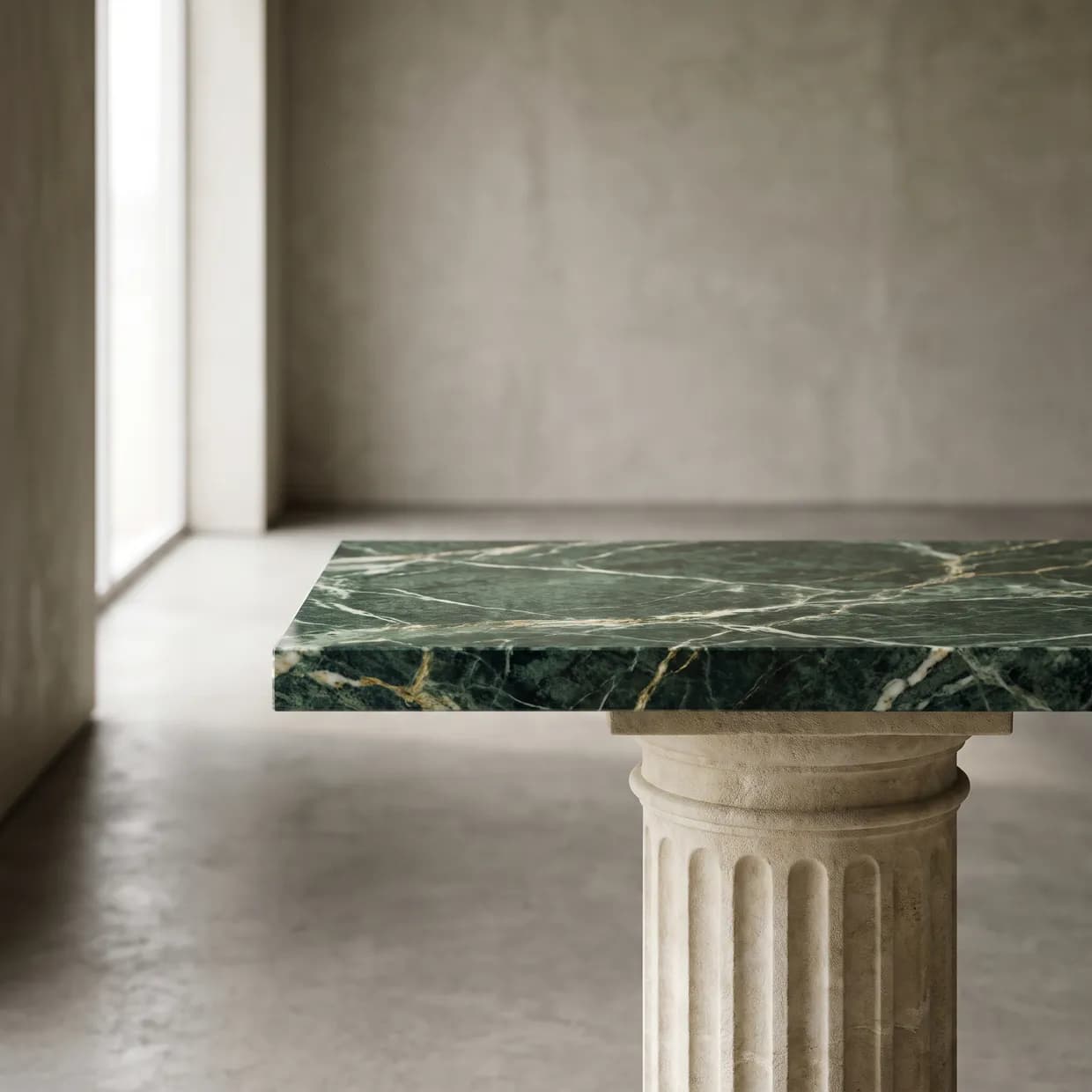
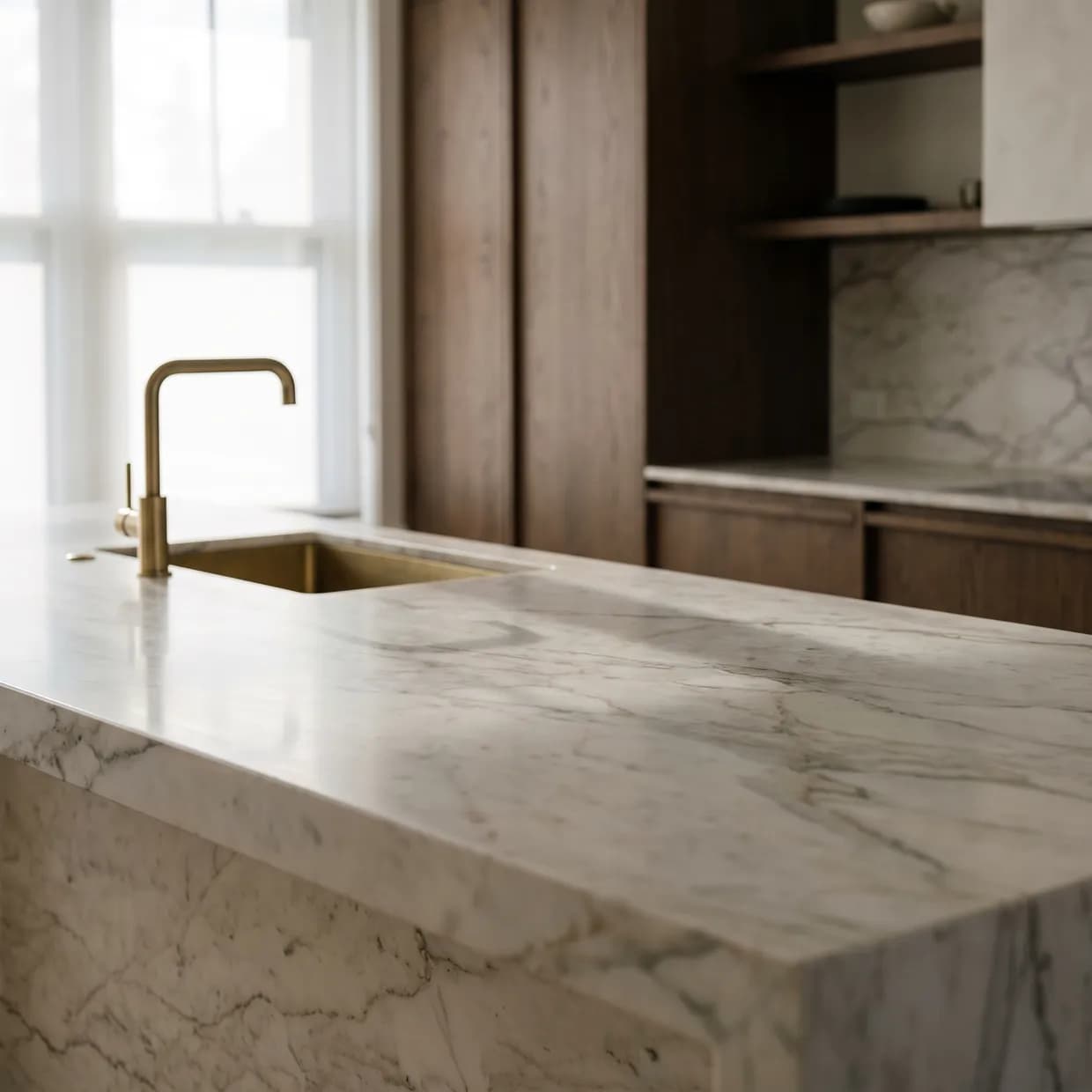
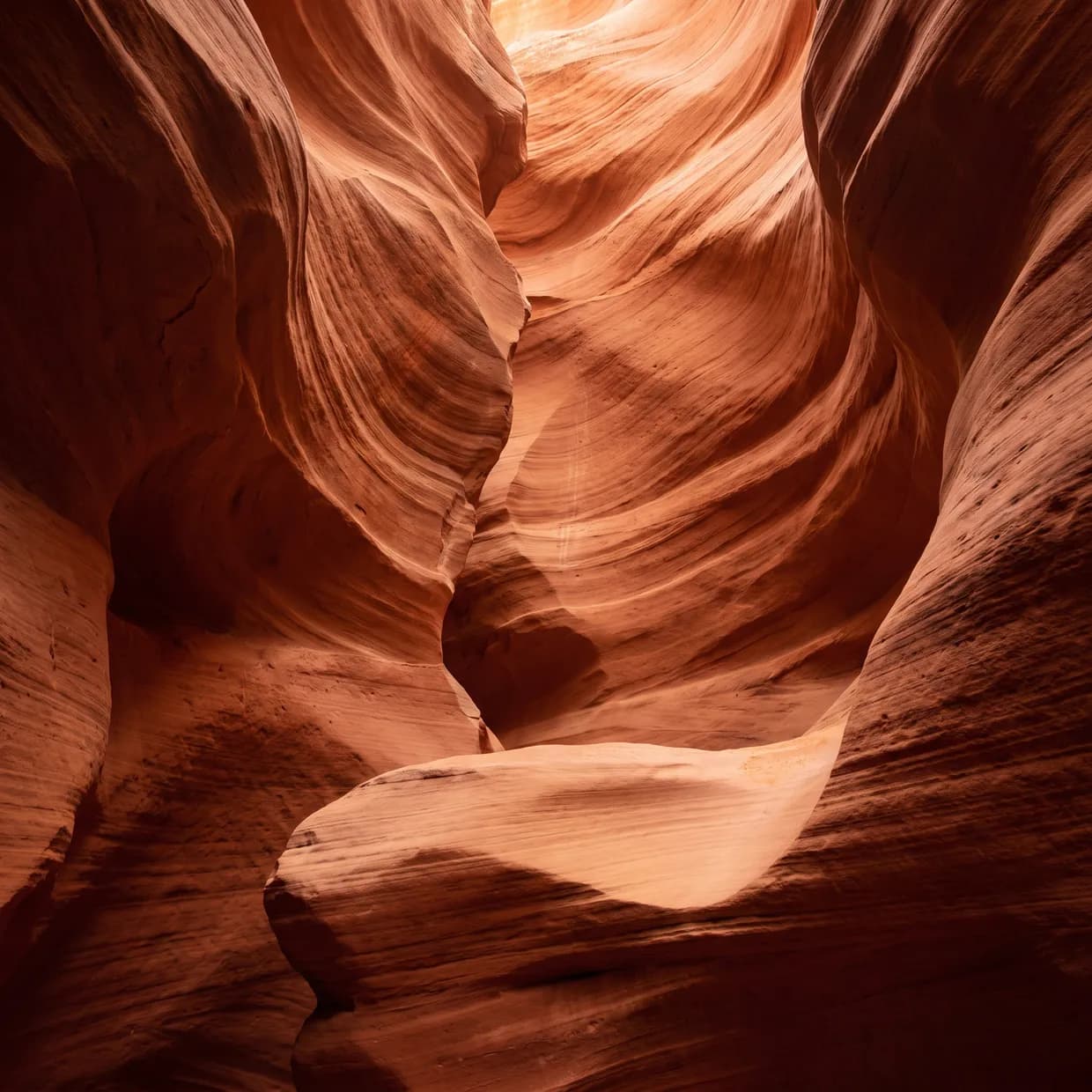
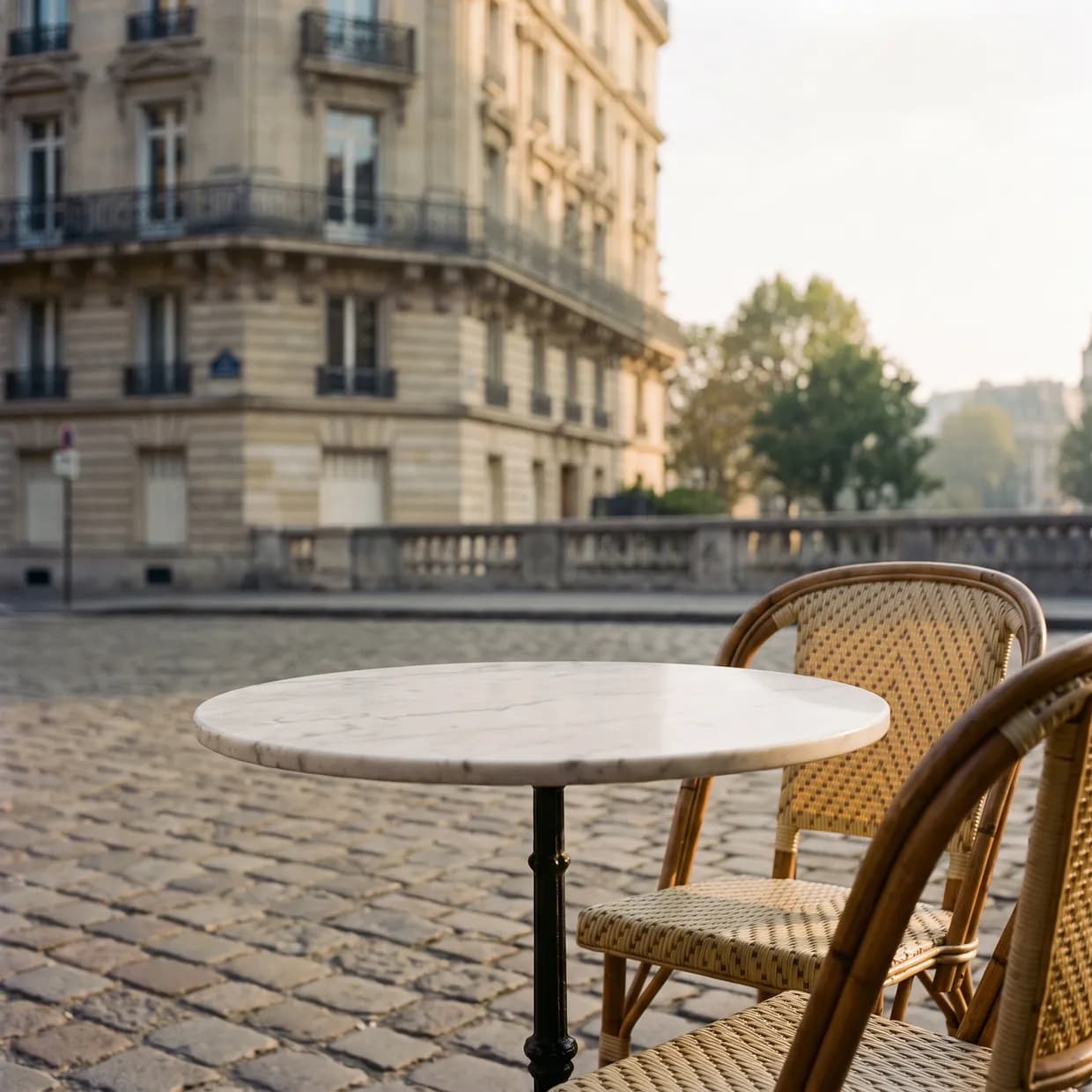
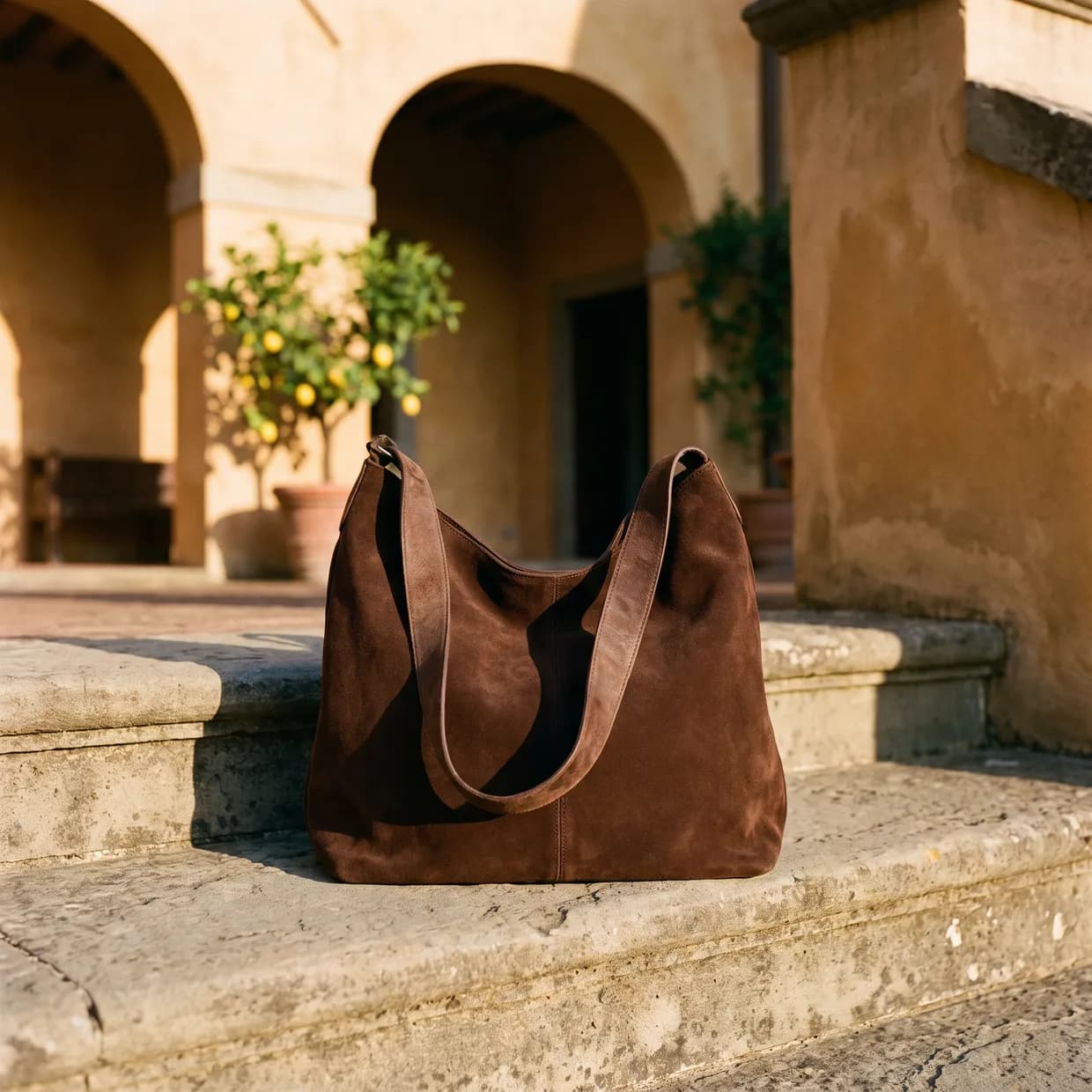
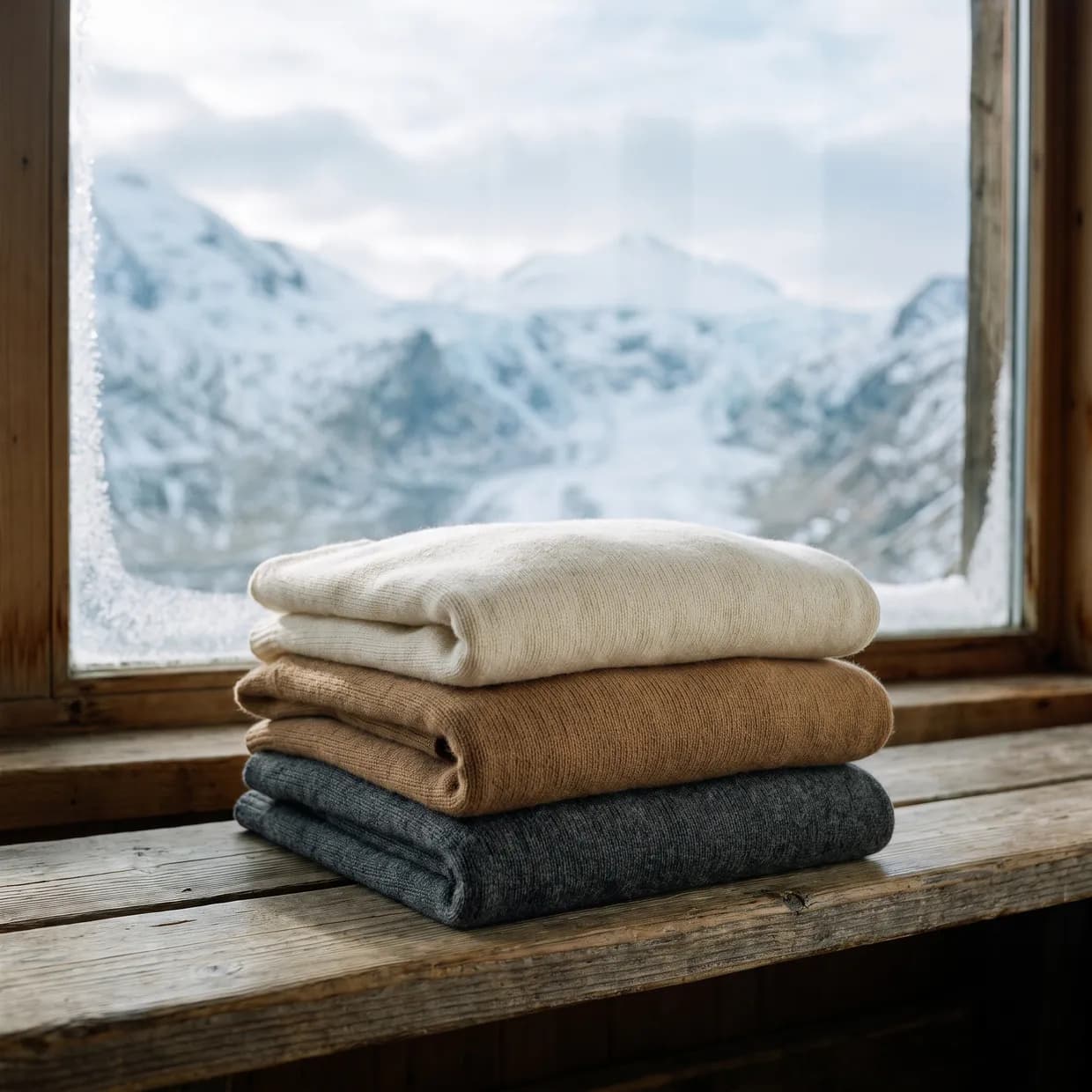
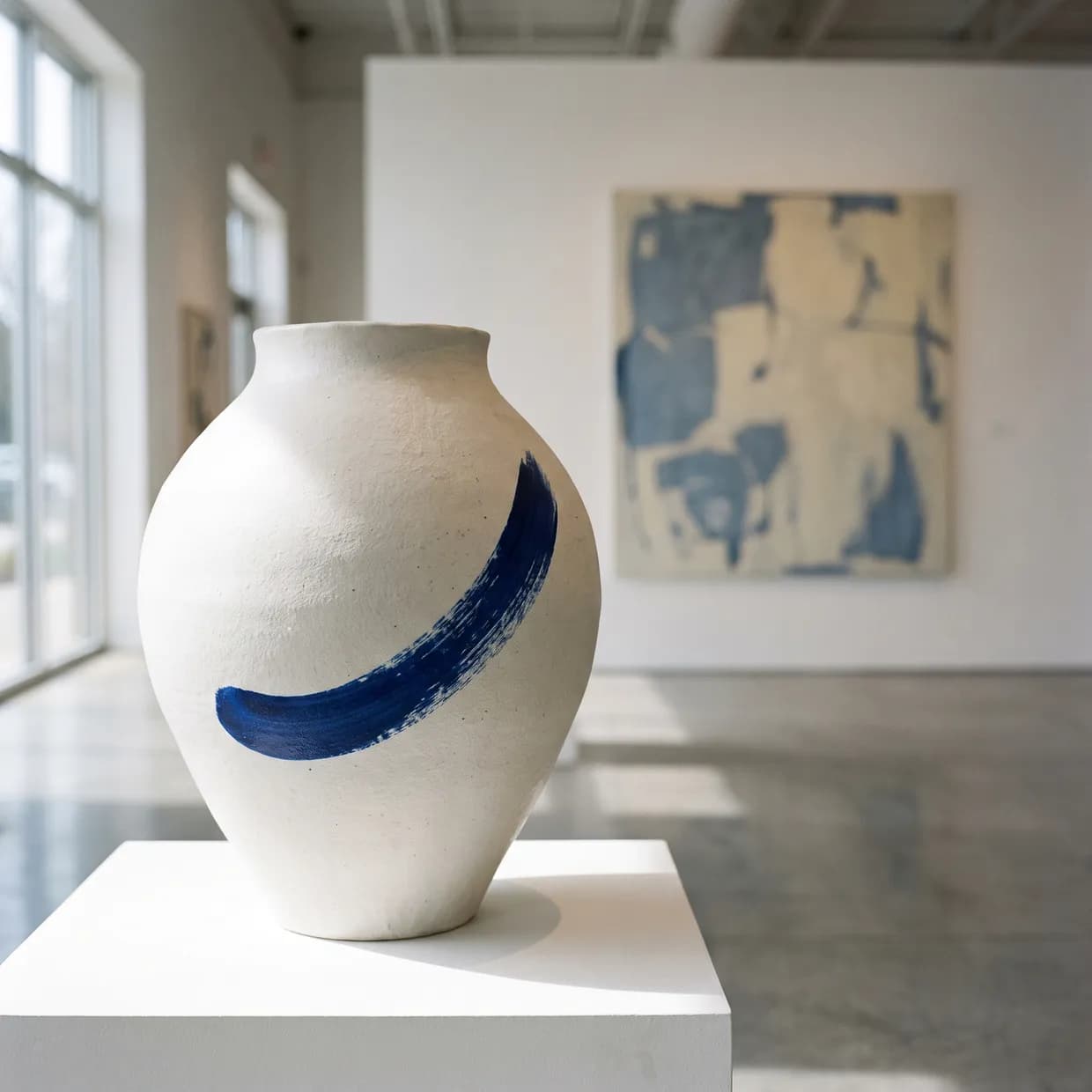
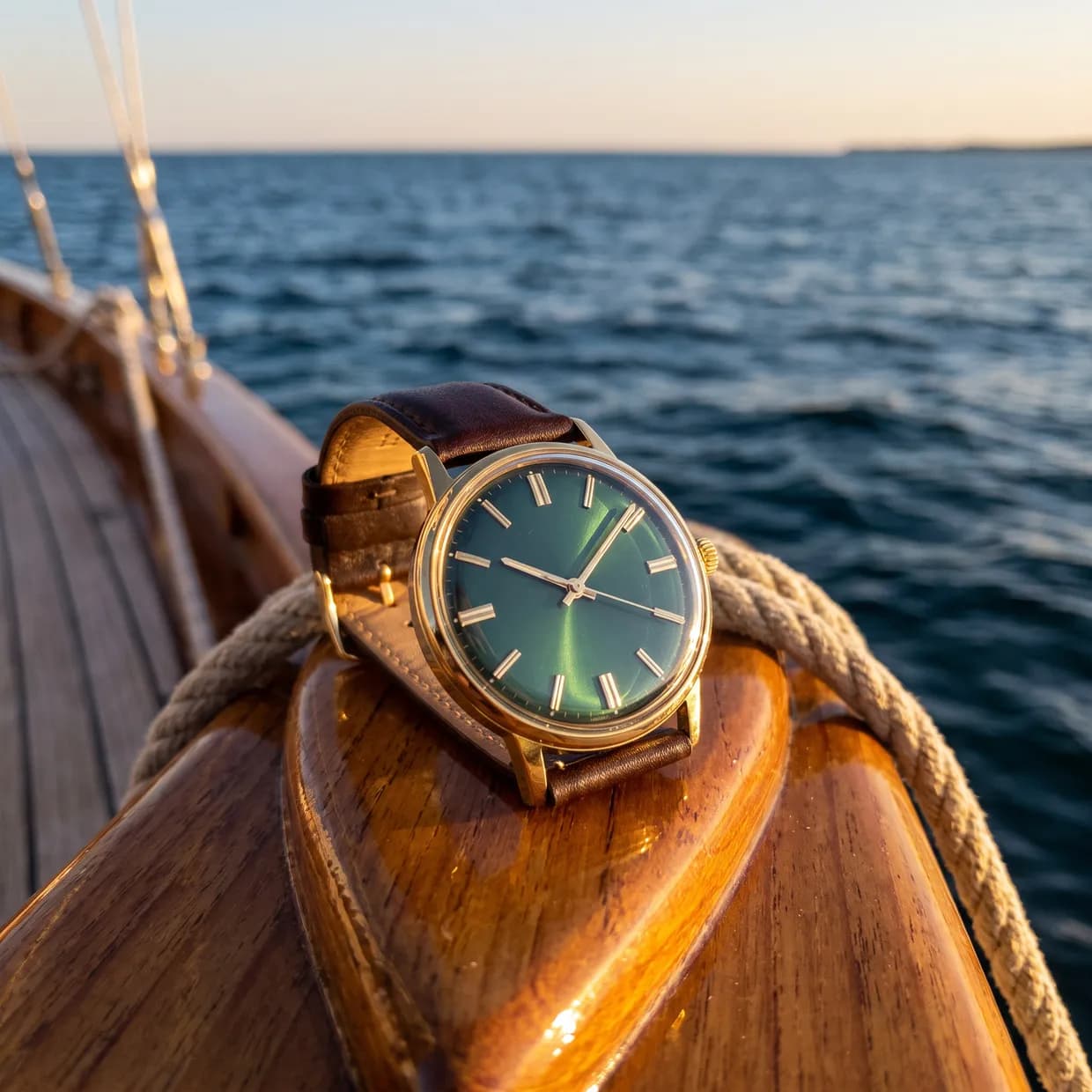
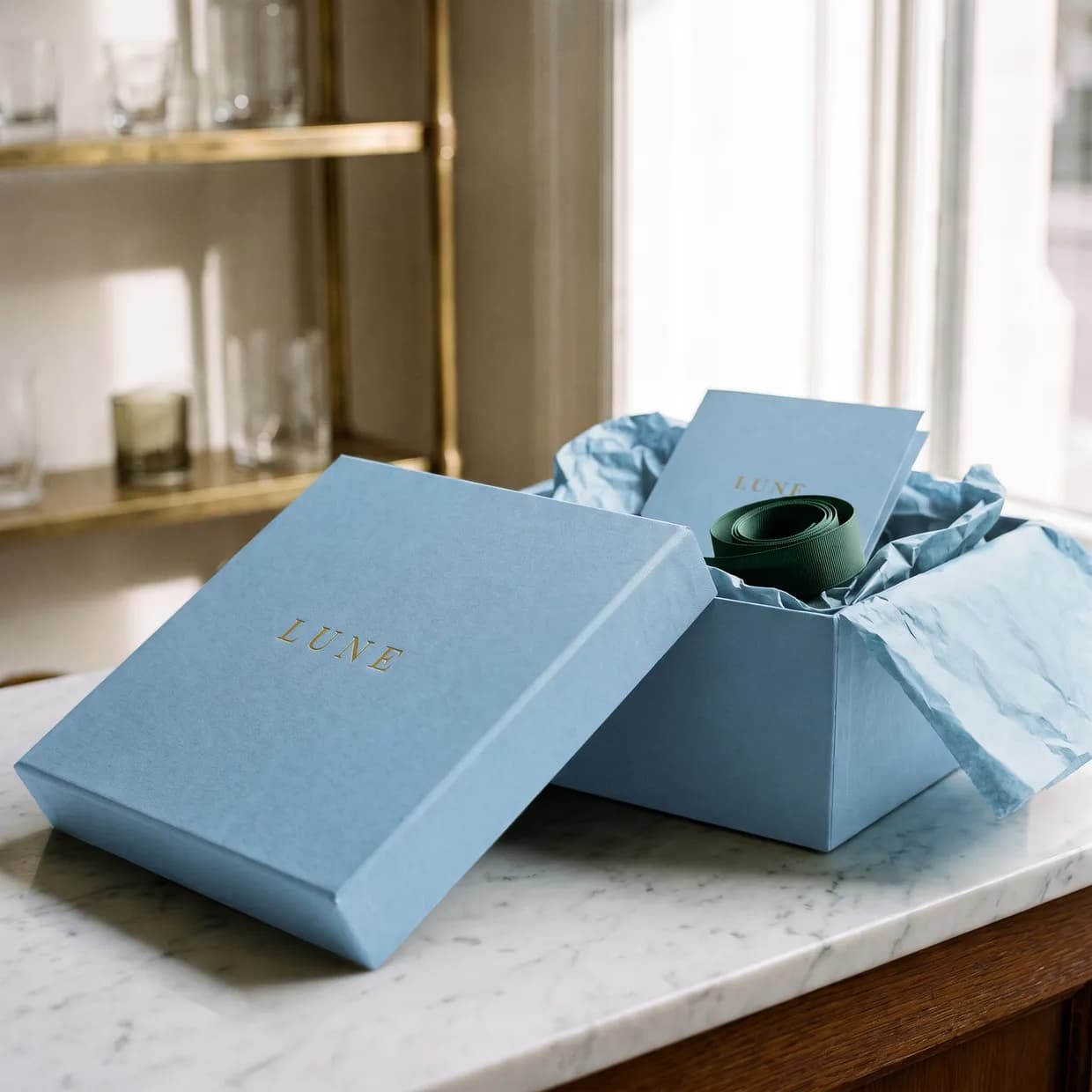
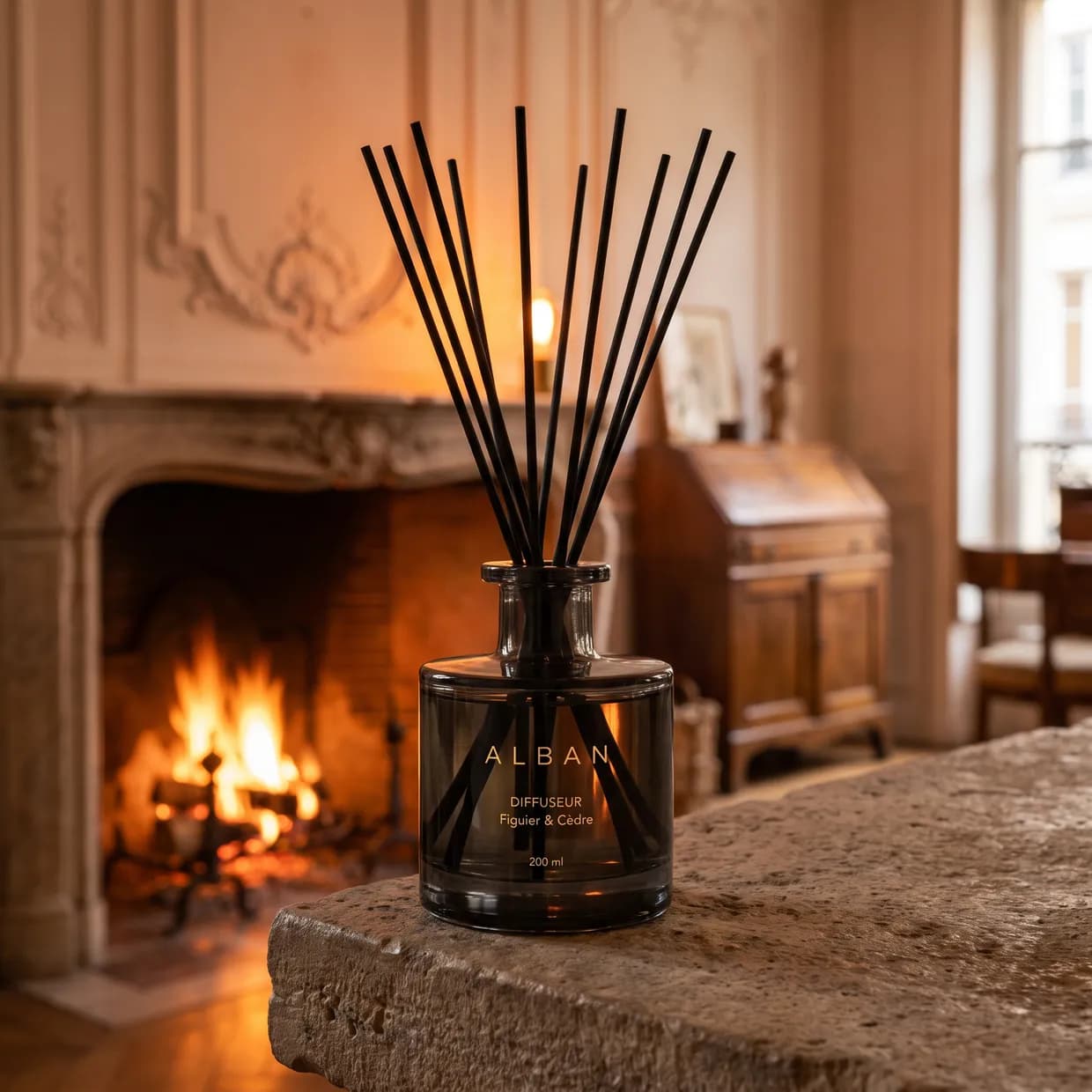
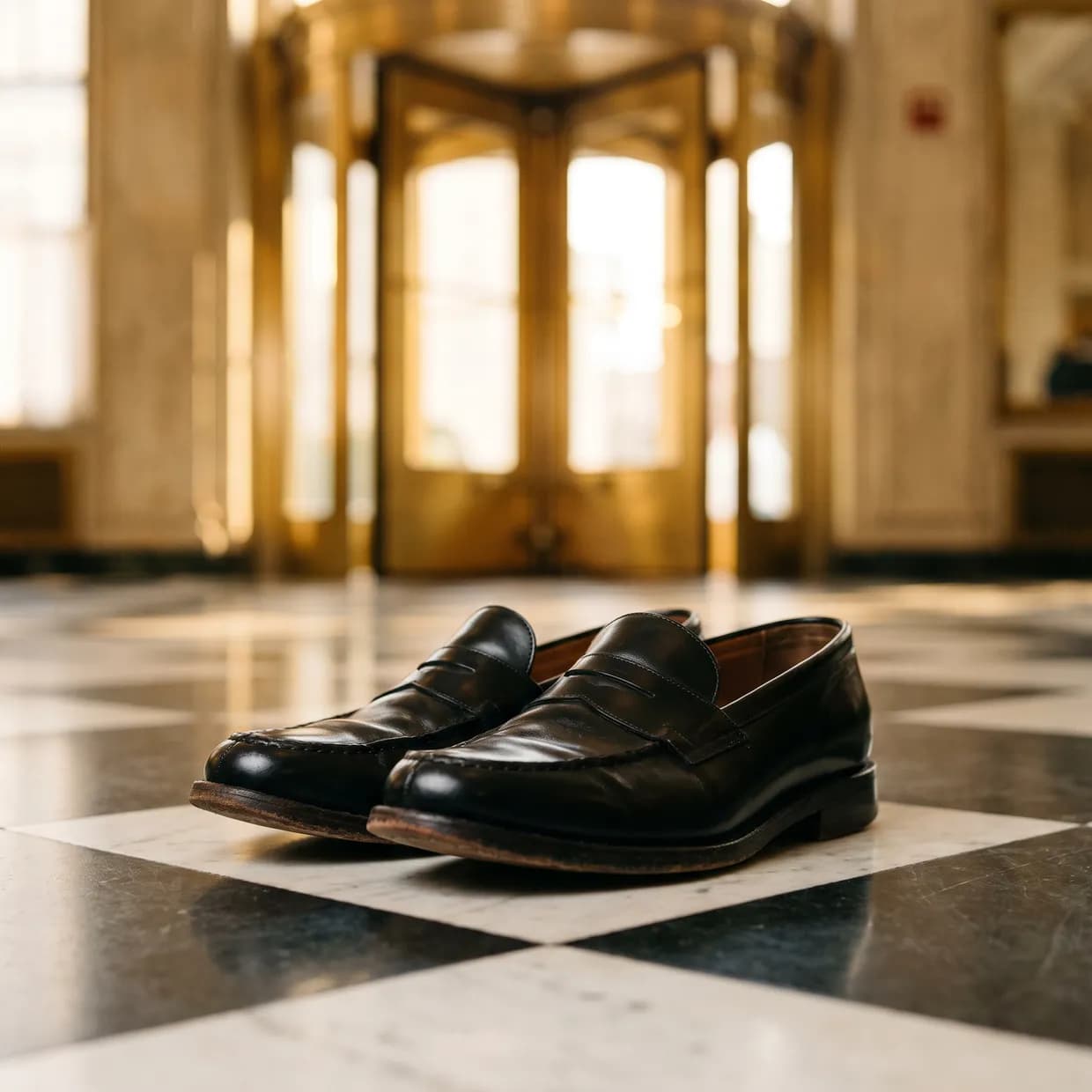
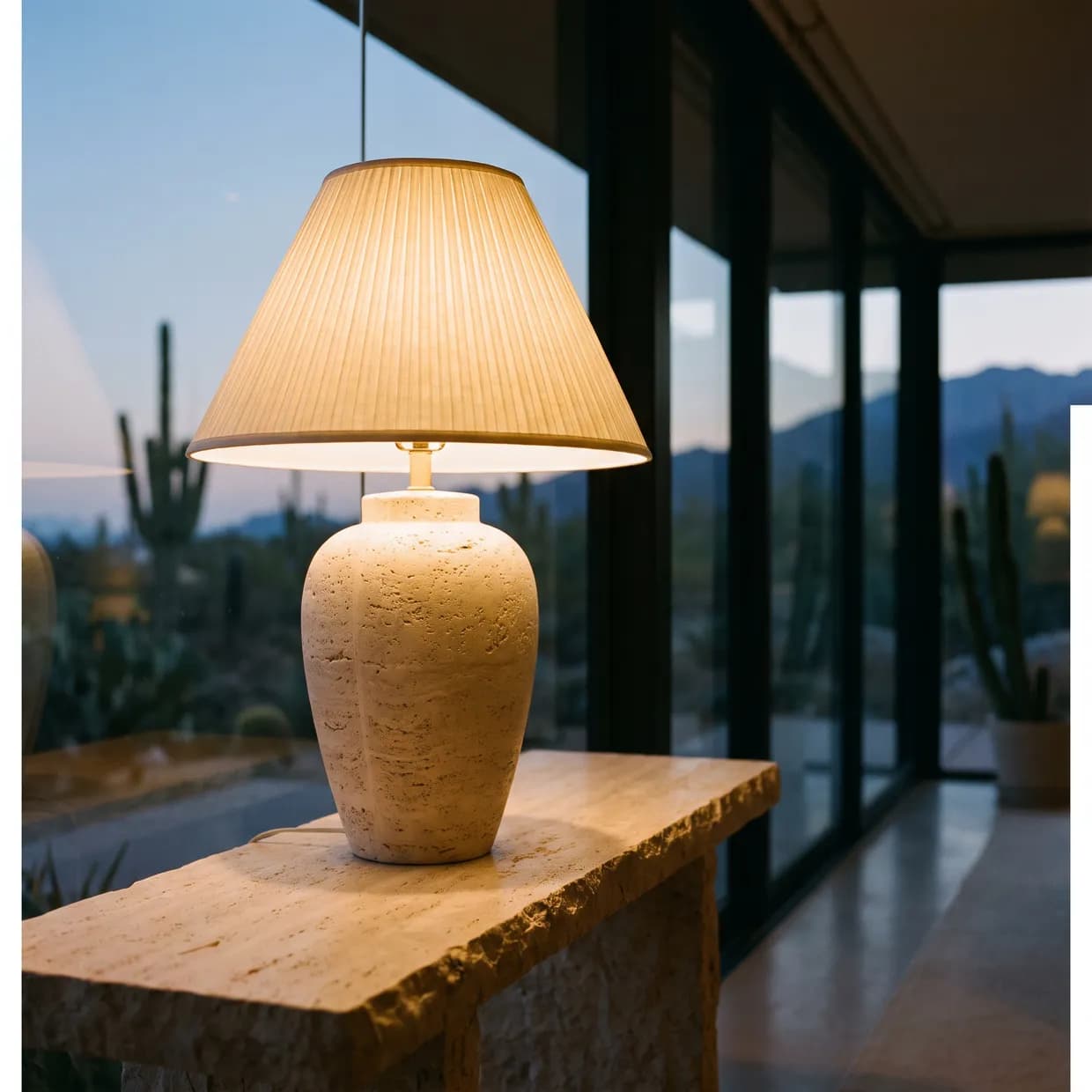
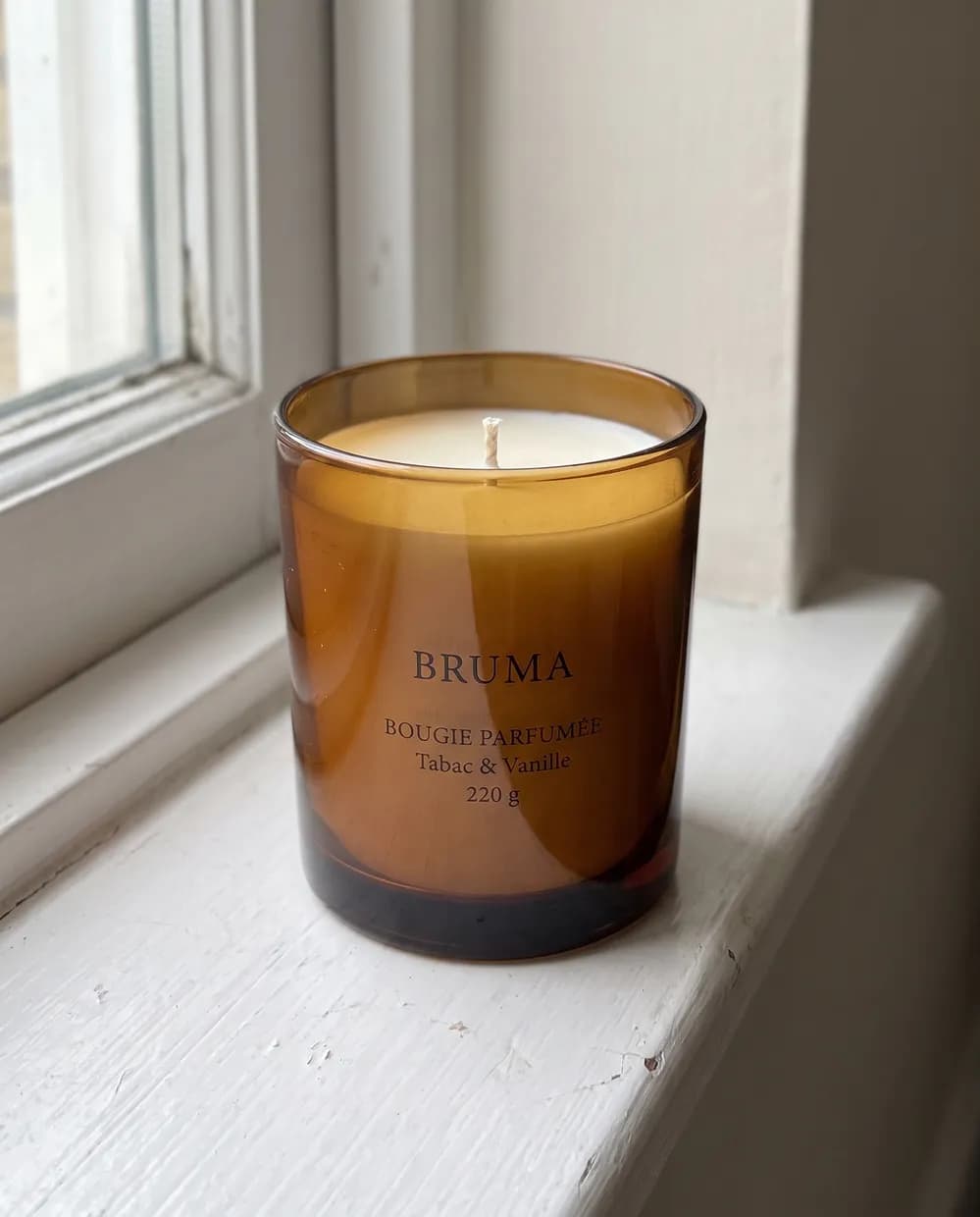
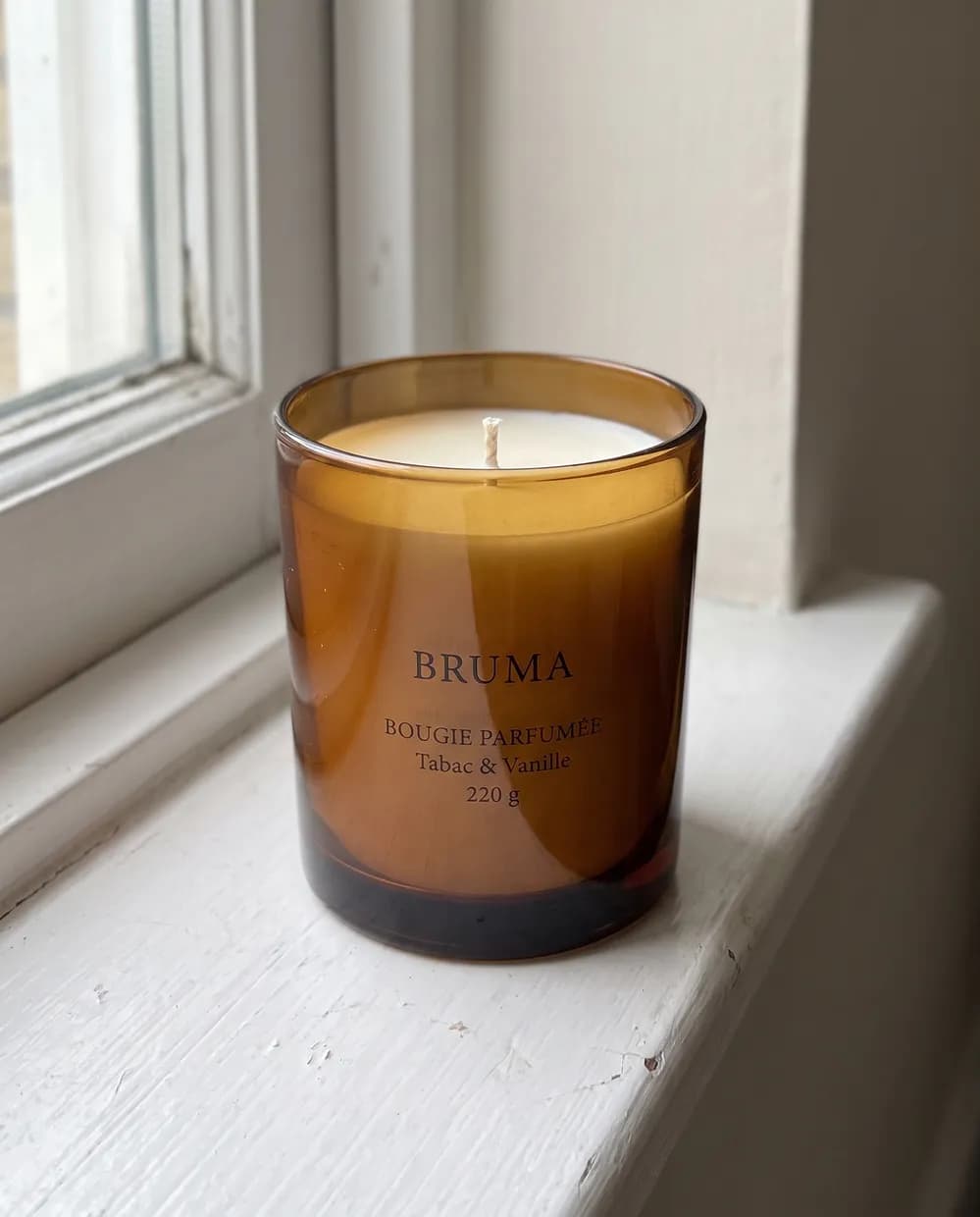
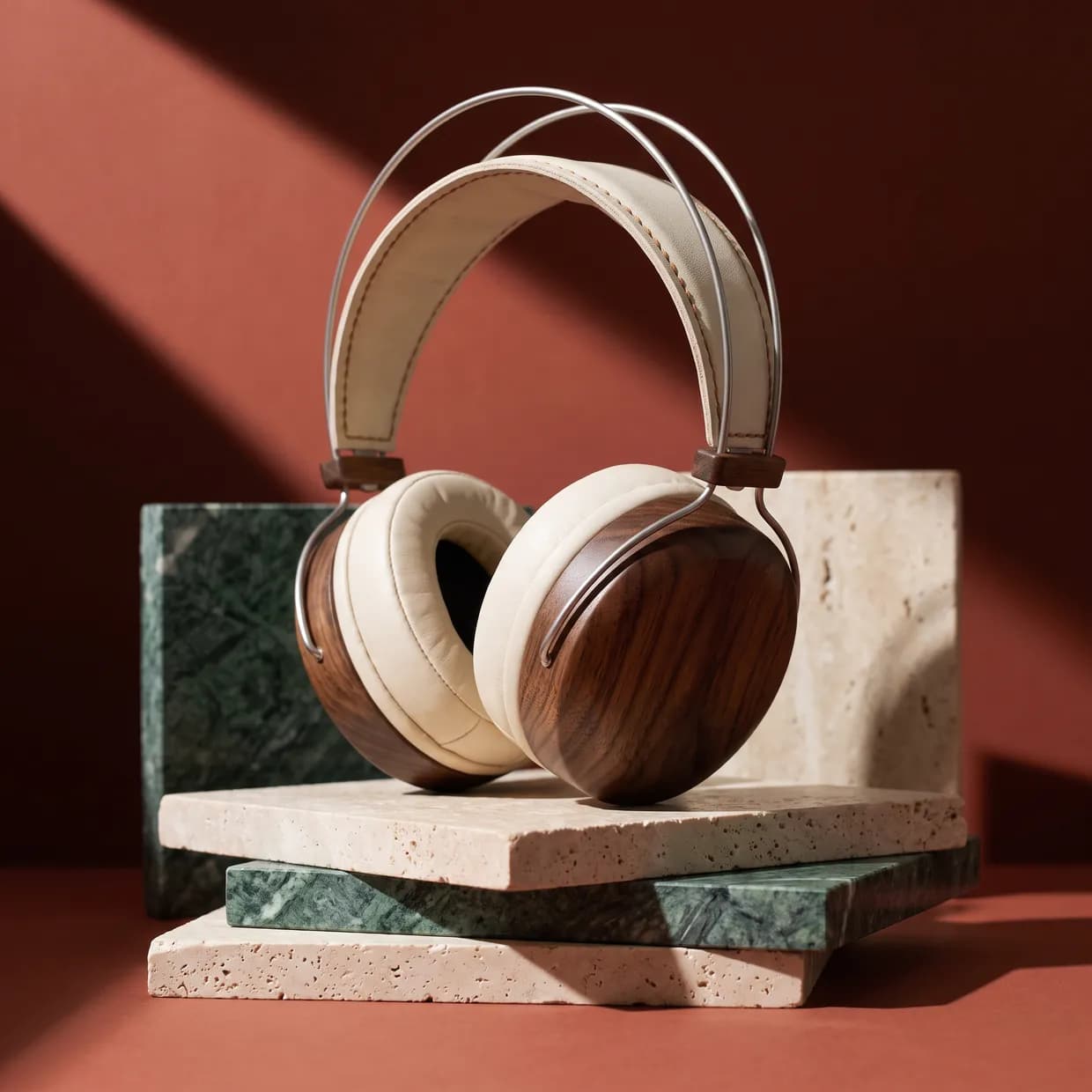
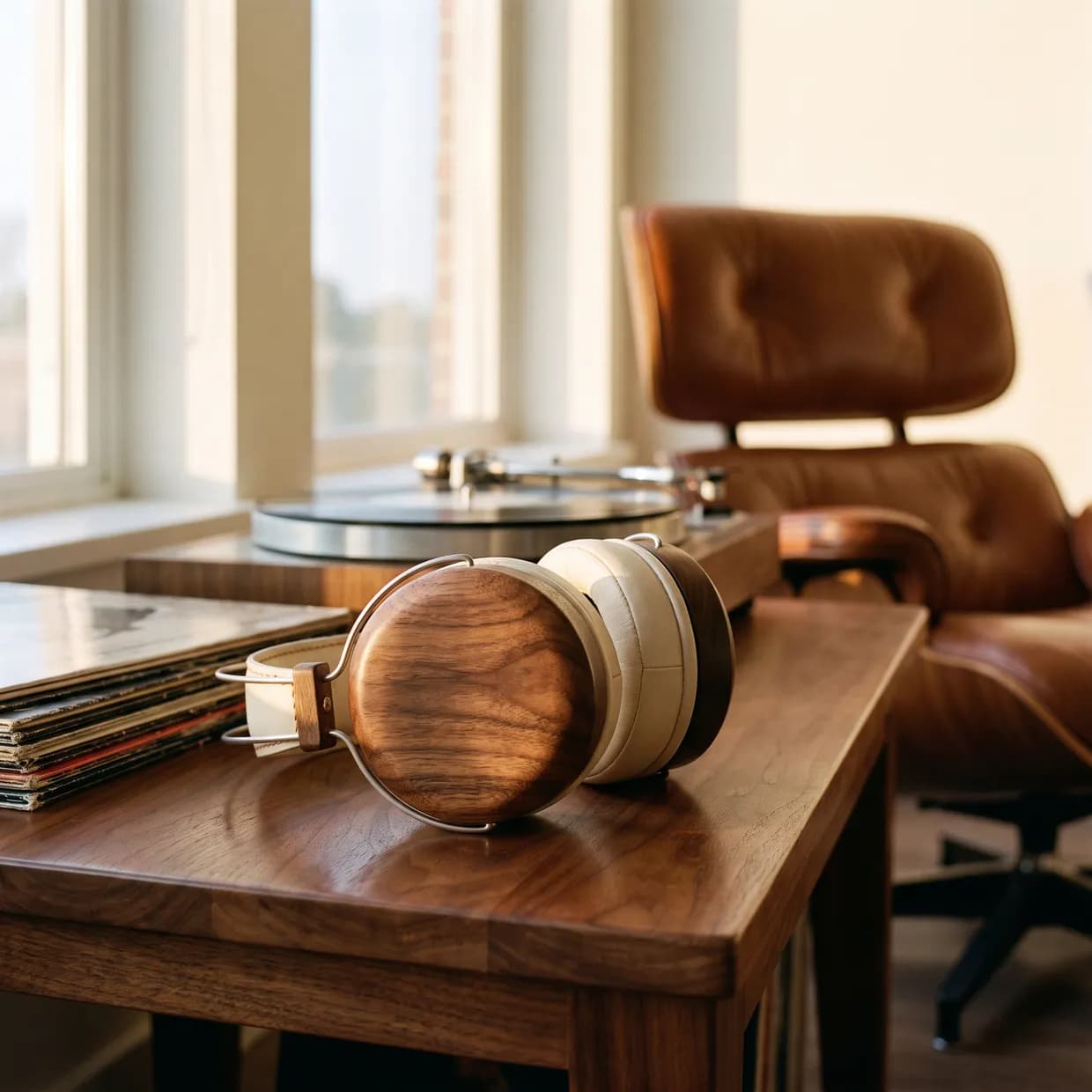
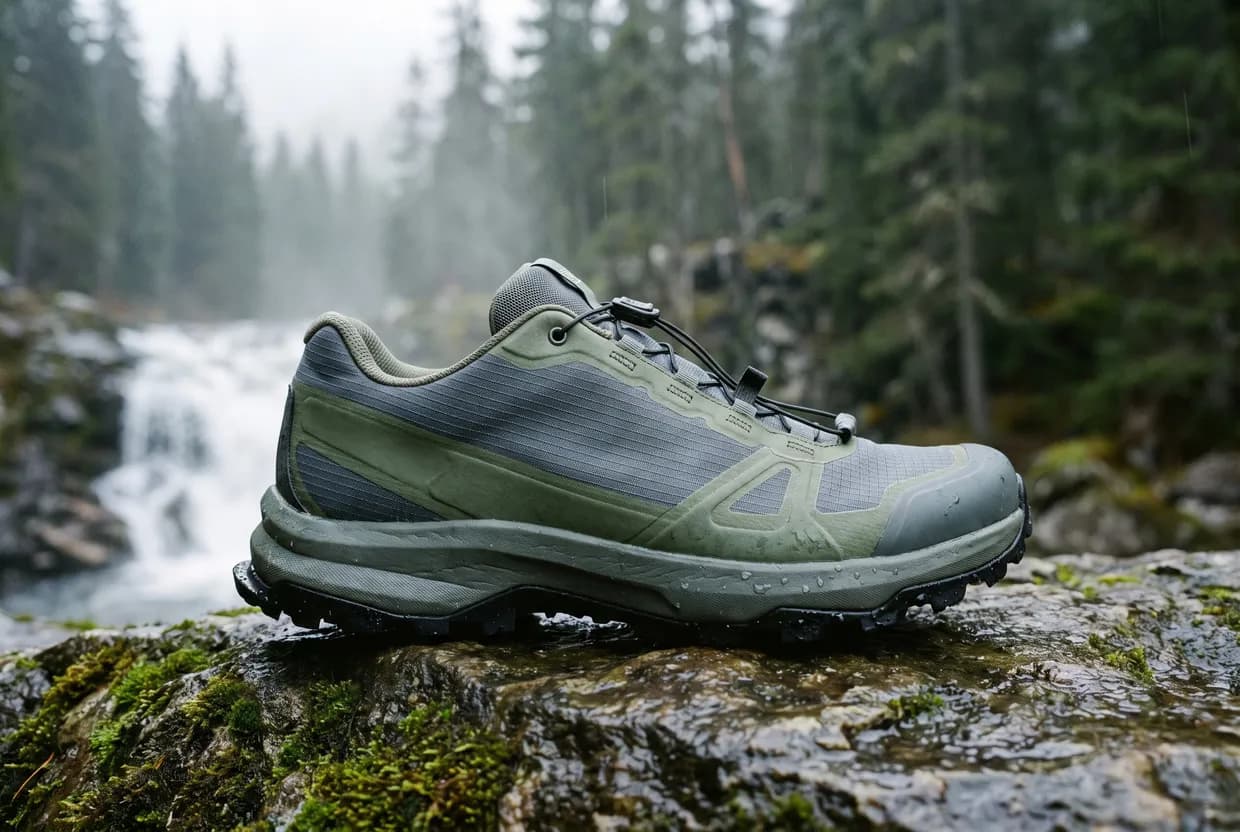
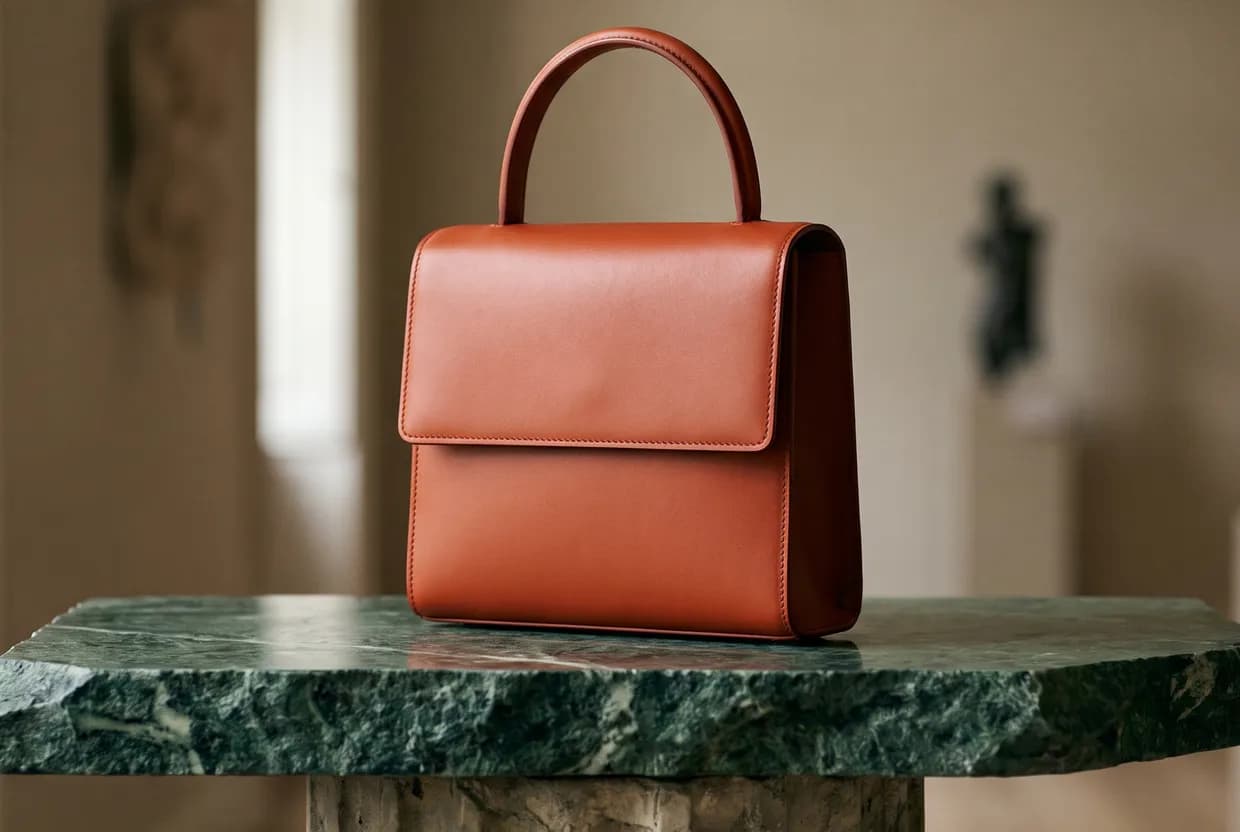
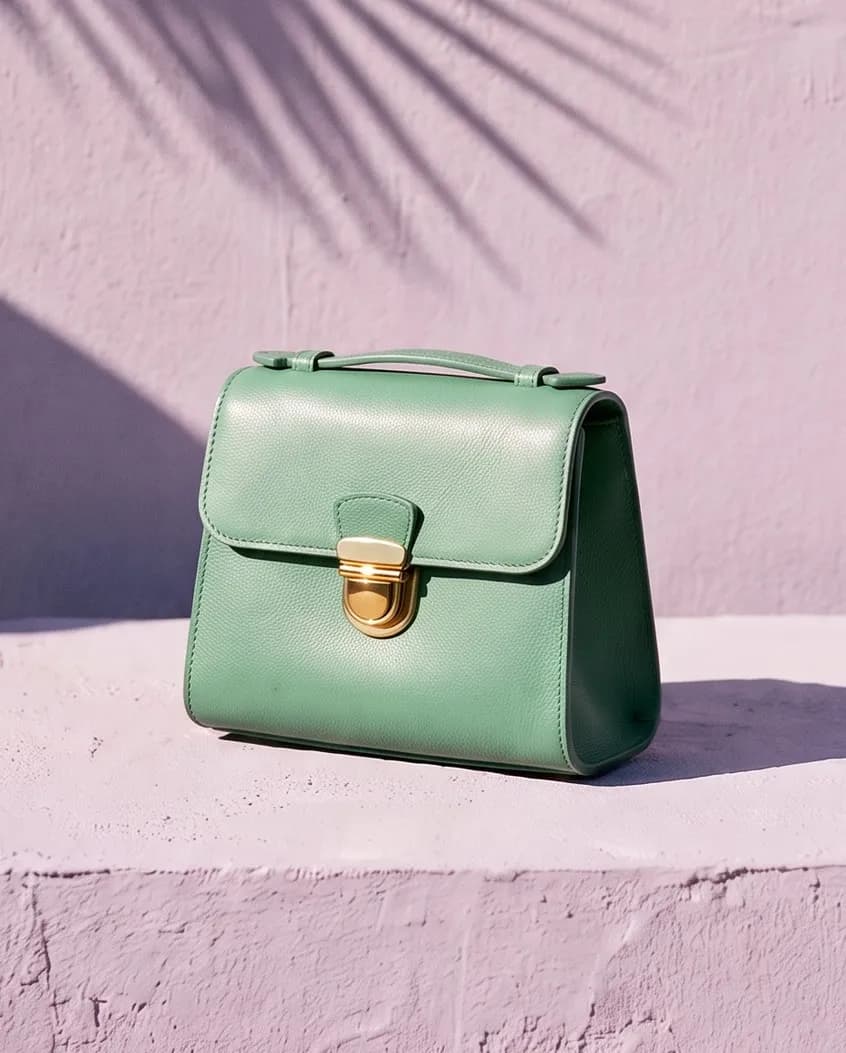
An AI product background generator places a product from an existing photo into a new scene. Instead of stretching a flat backdrop behind the item, it aims to match lighting, shadows, perspective, and how the product sits on a surface, so the result can be used as a catalog or lifestyle image.
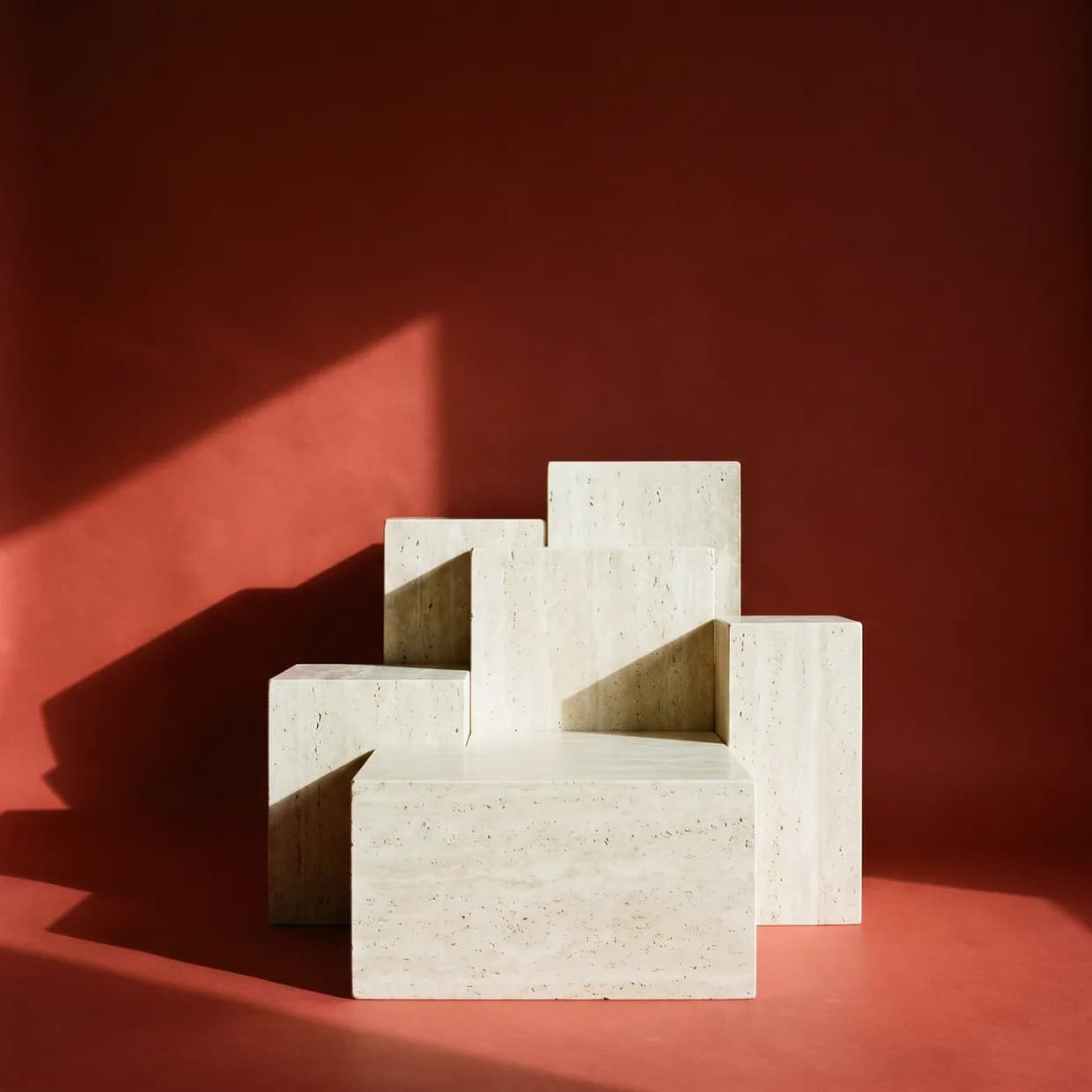
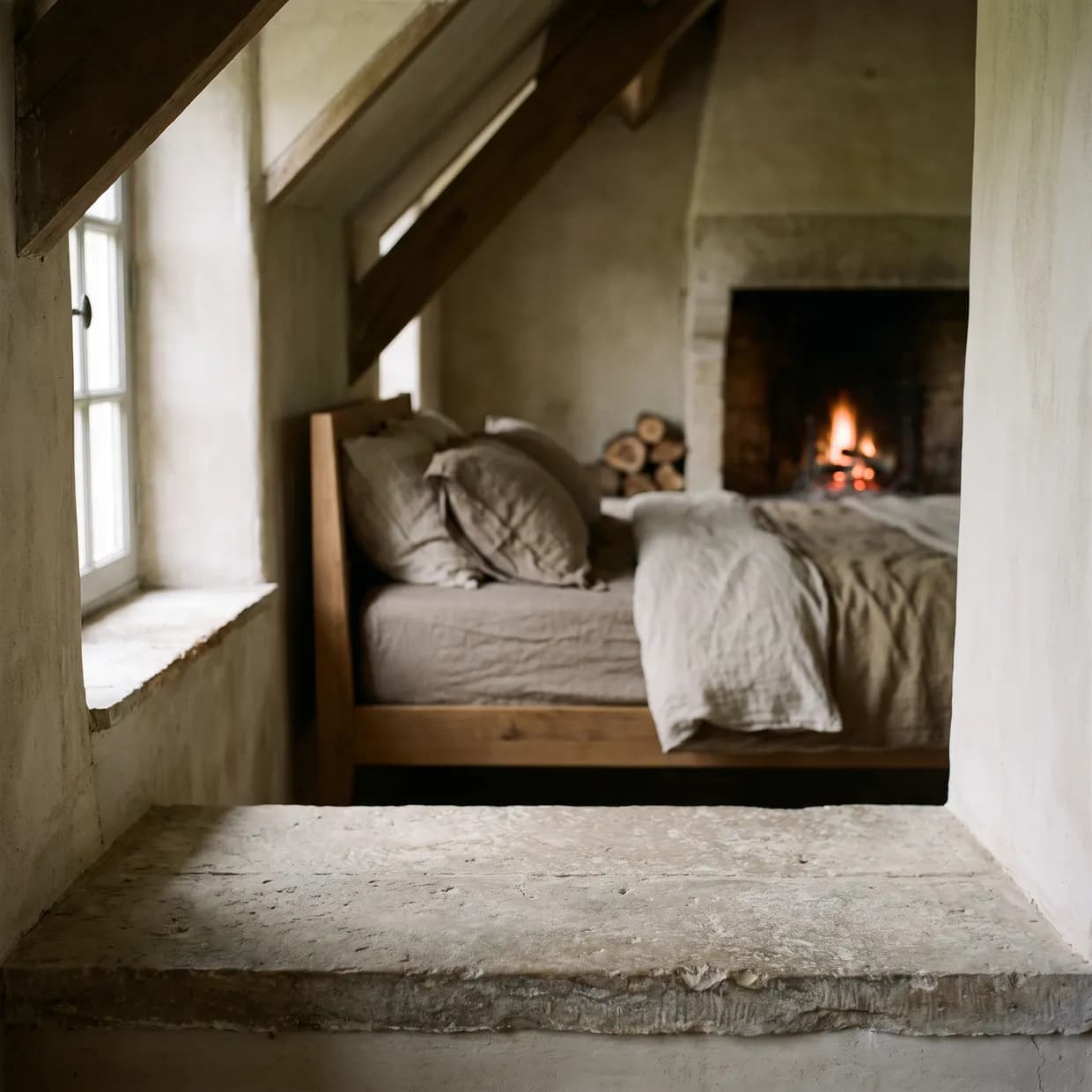
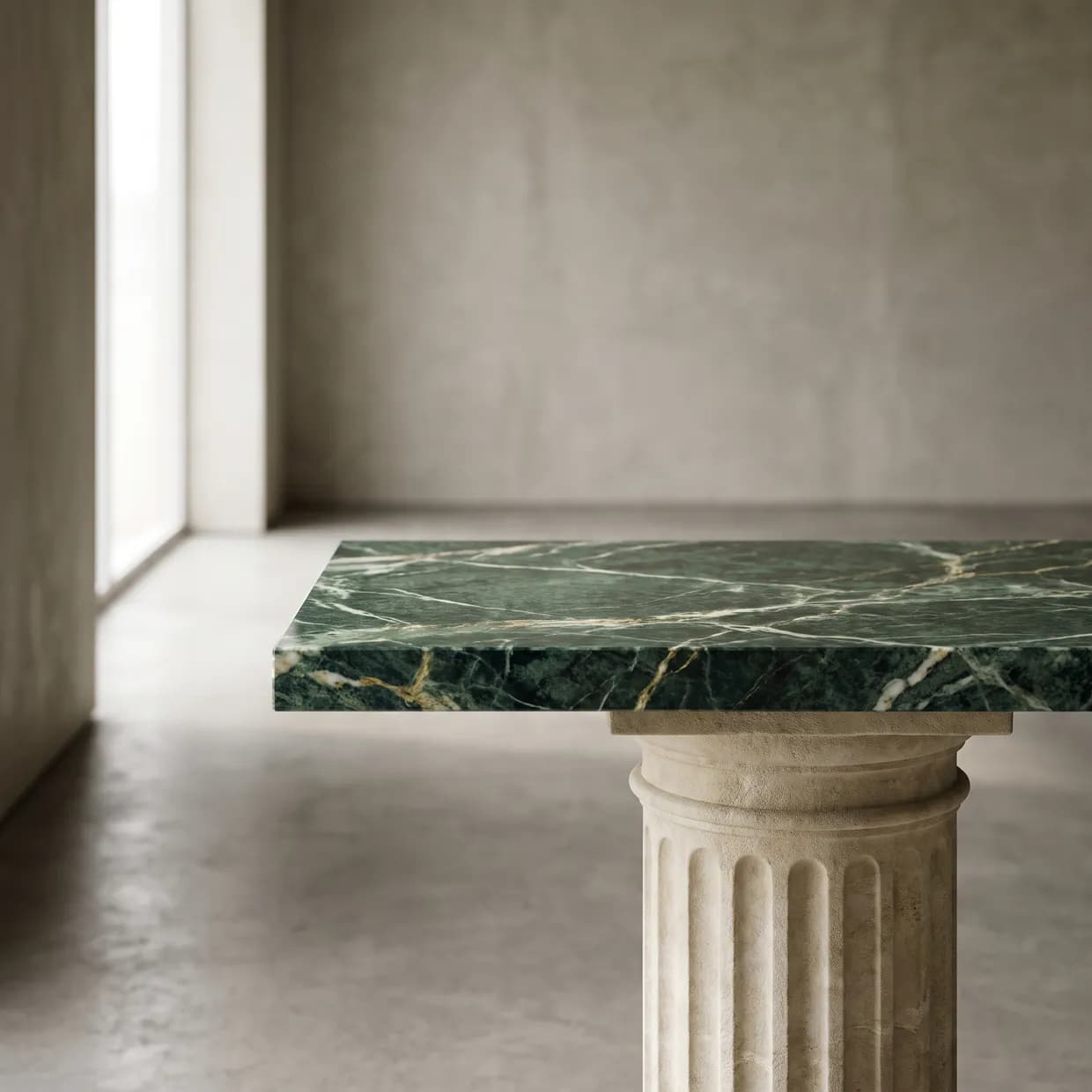
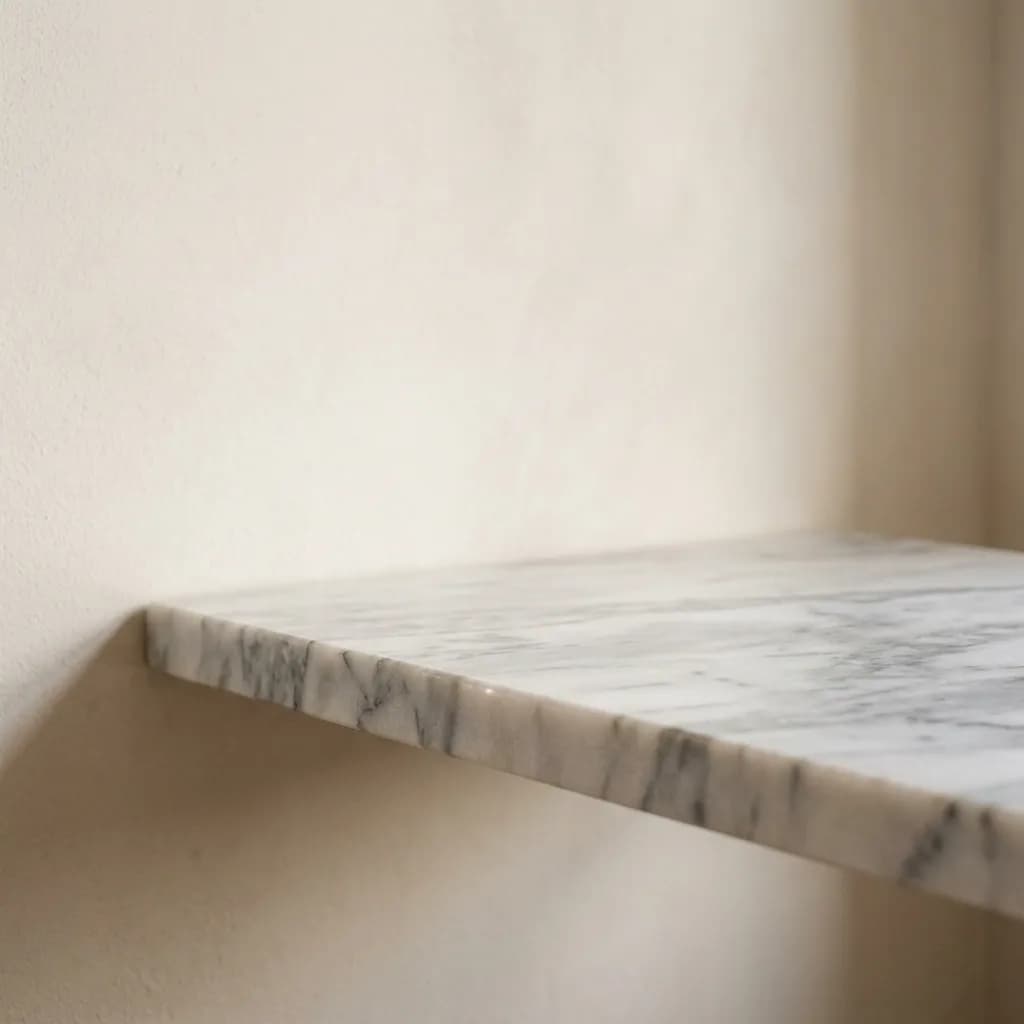
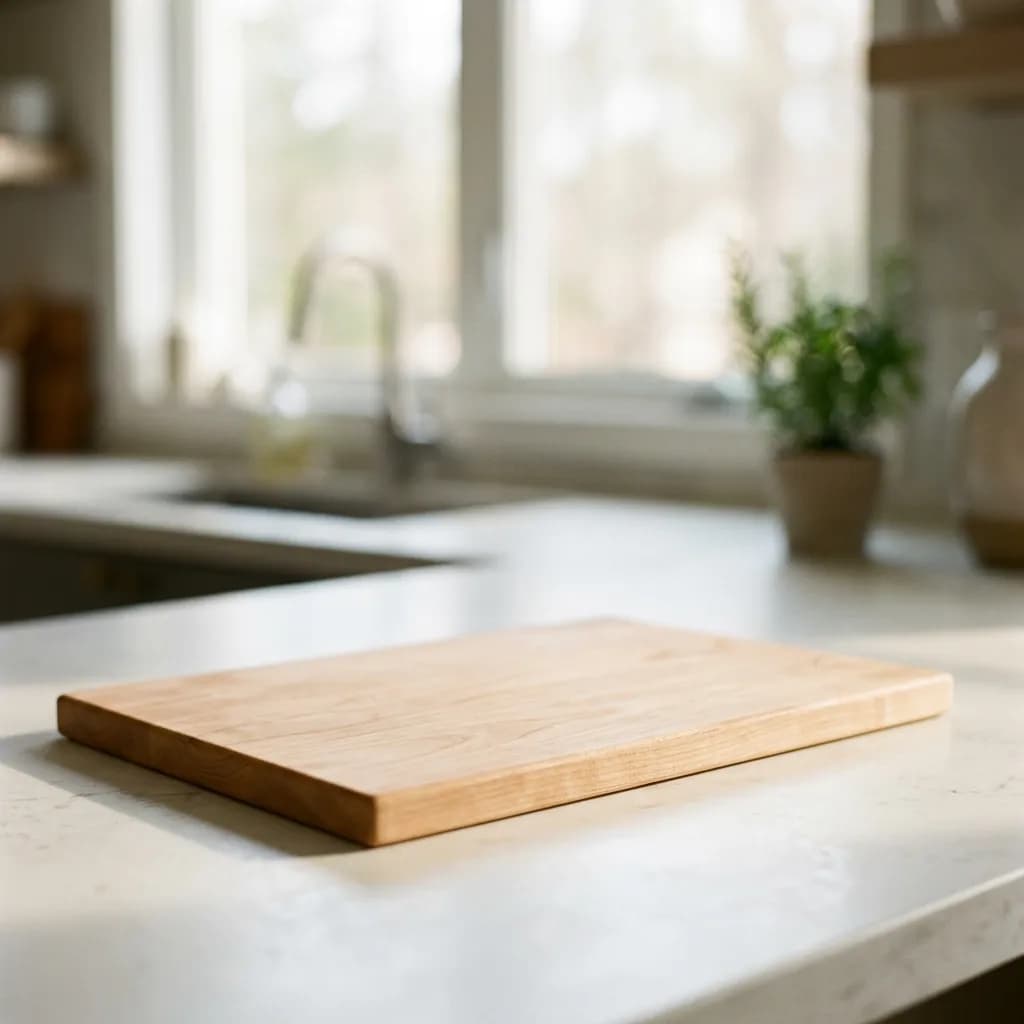
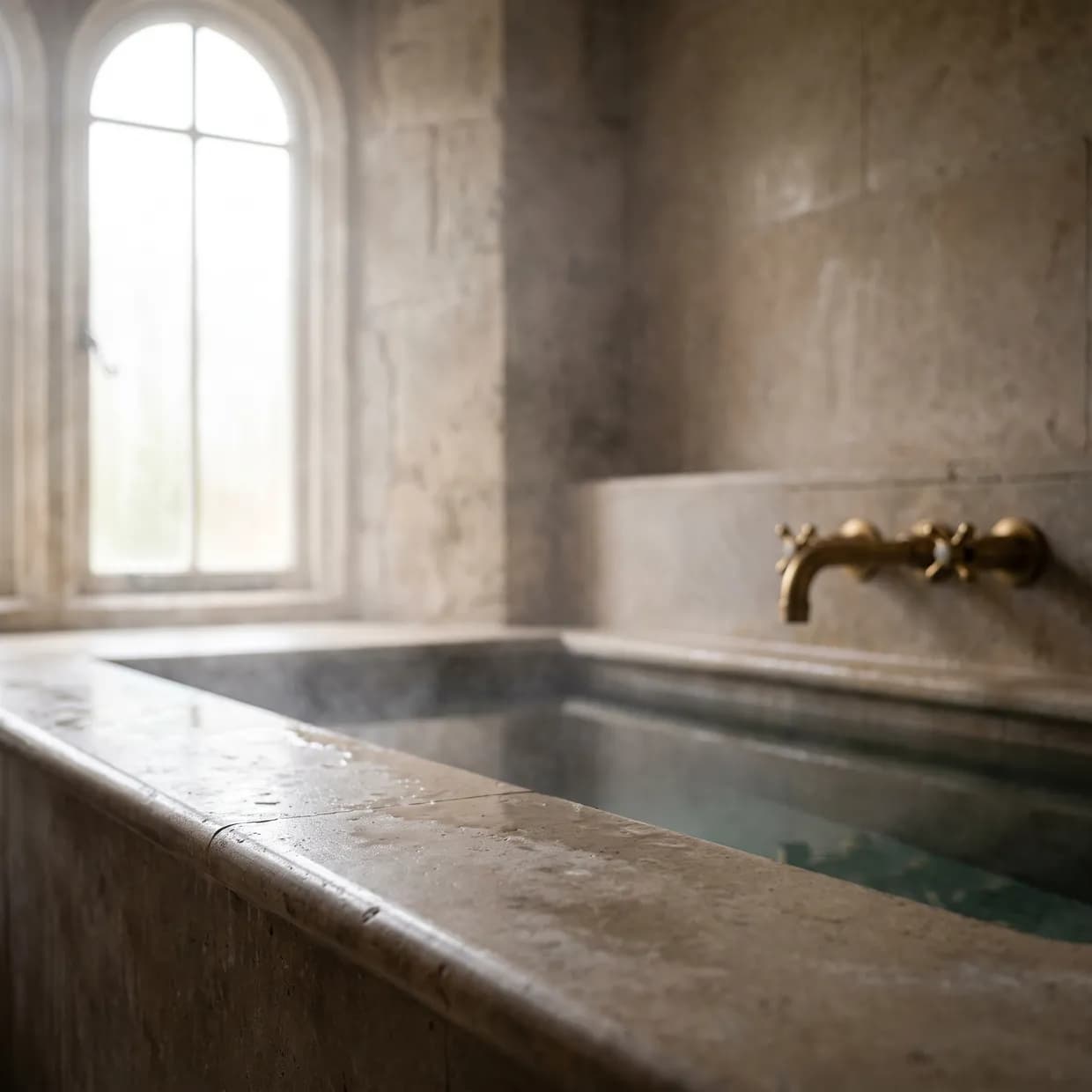
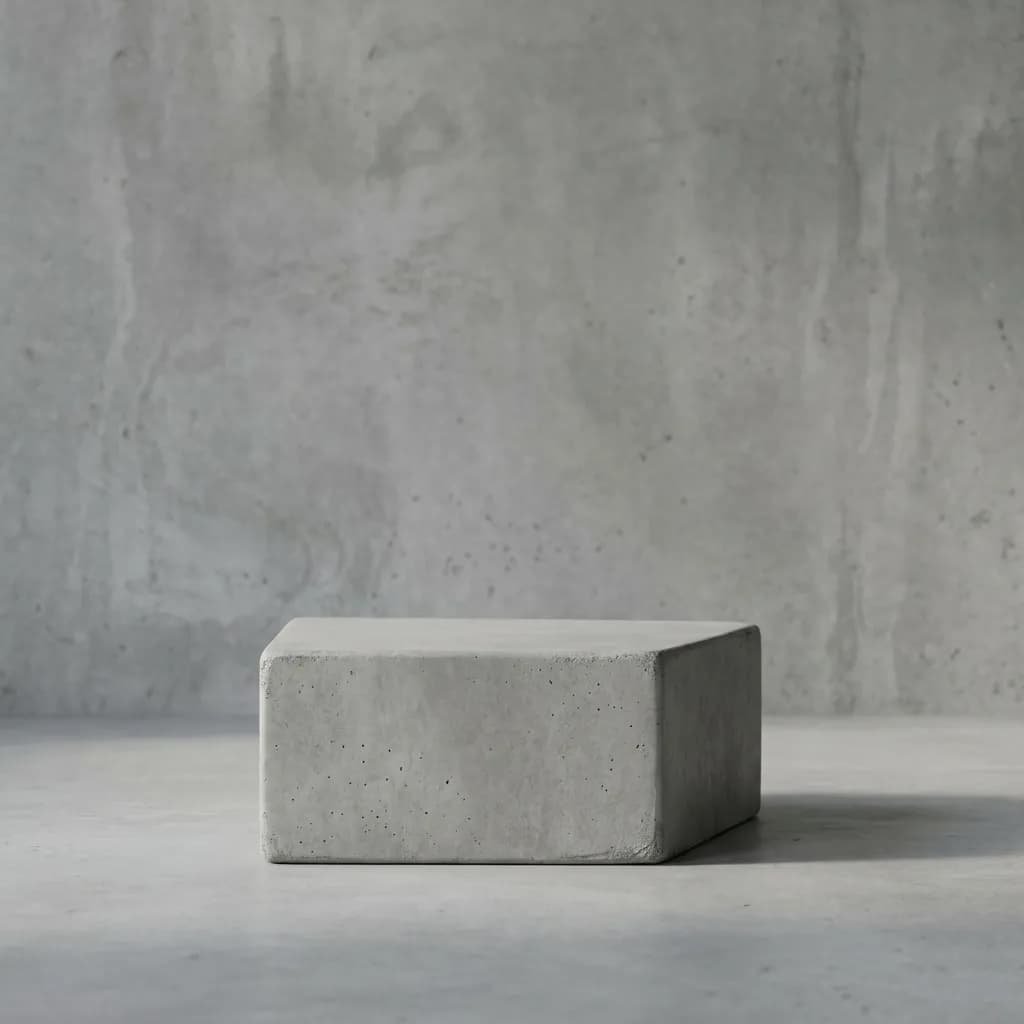
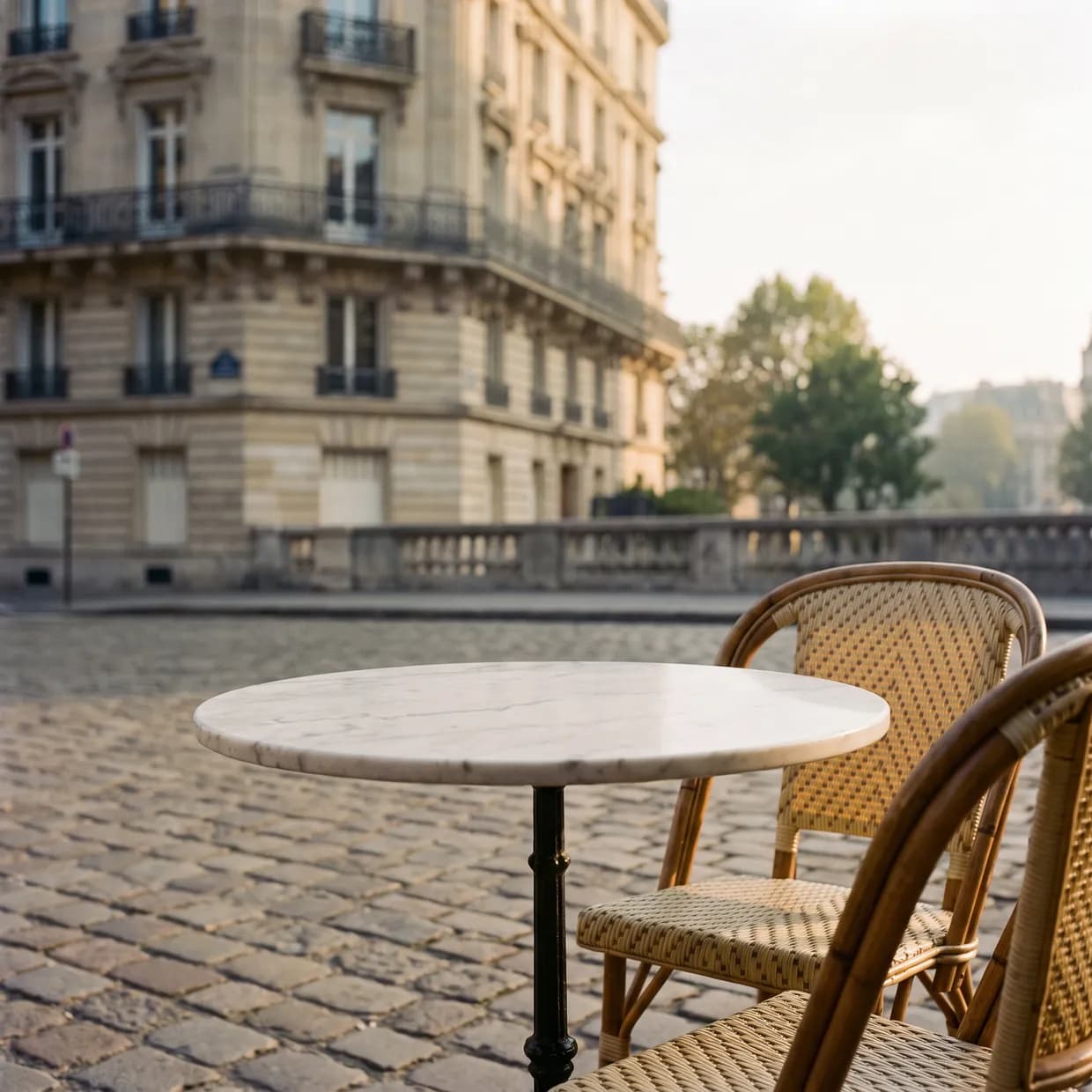
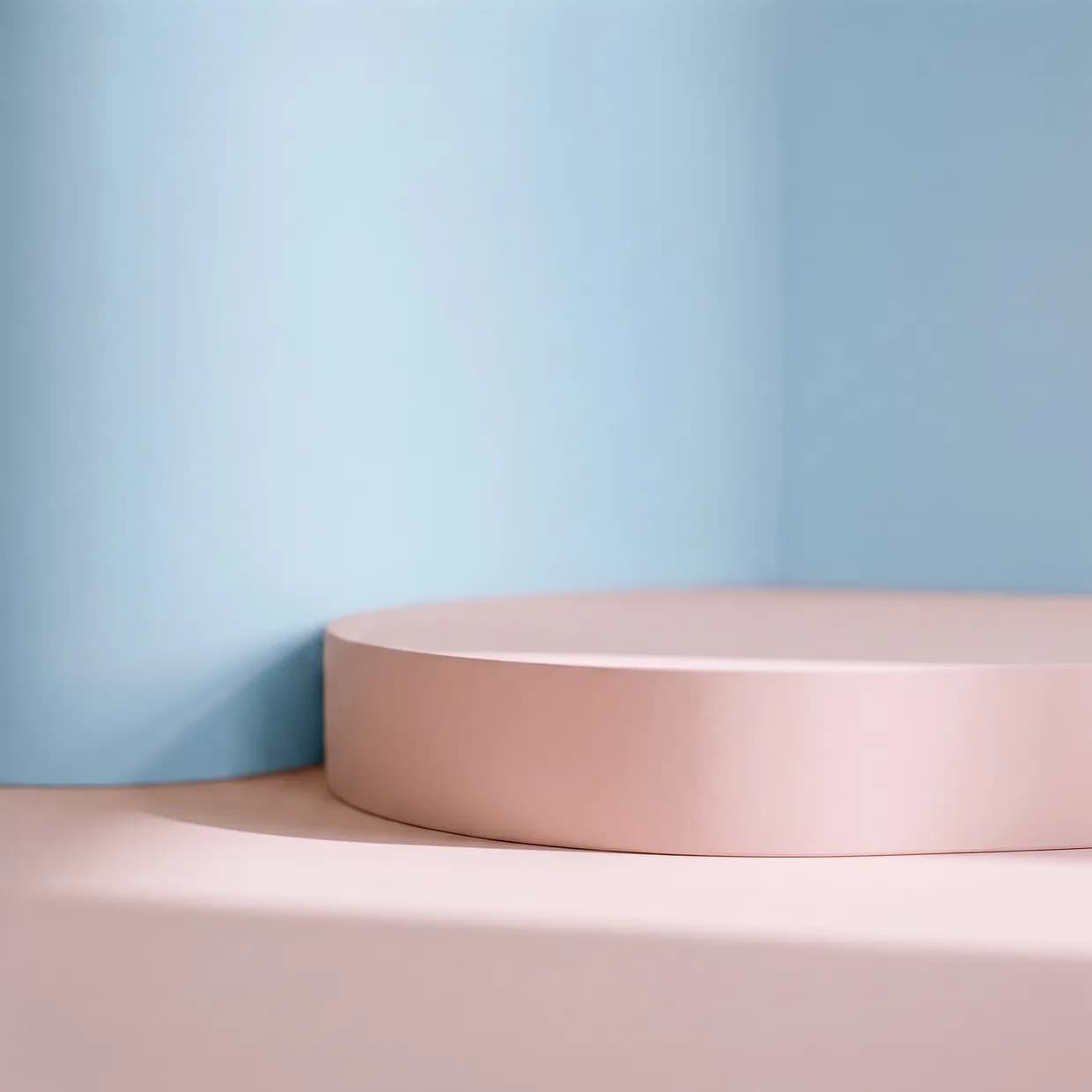
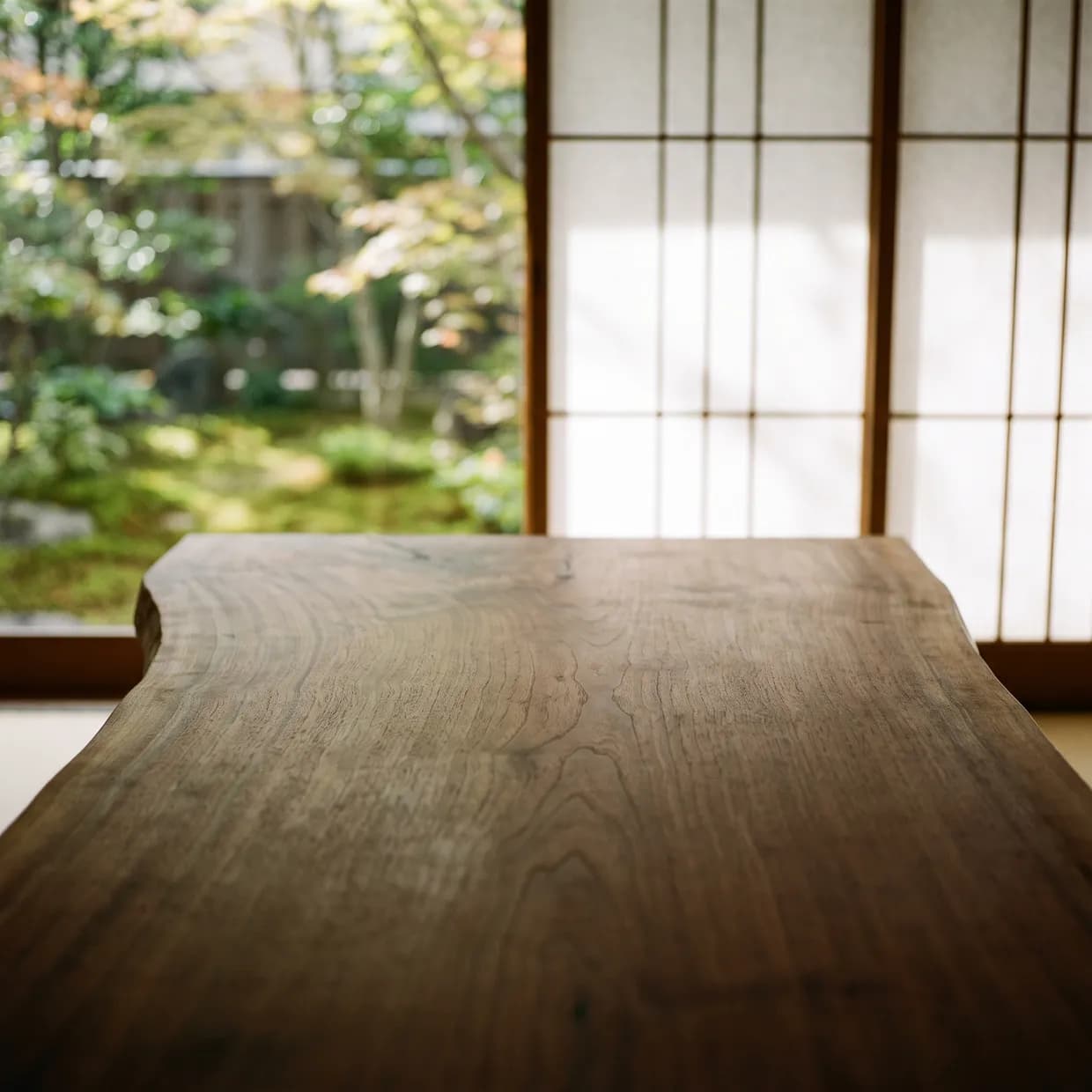
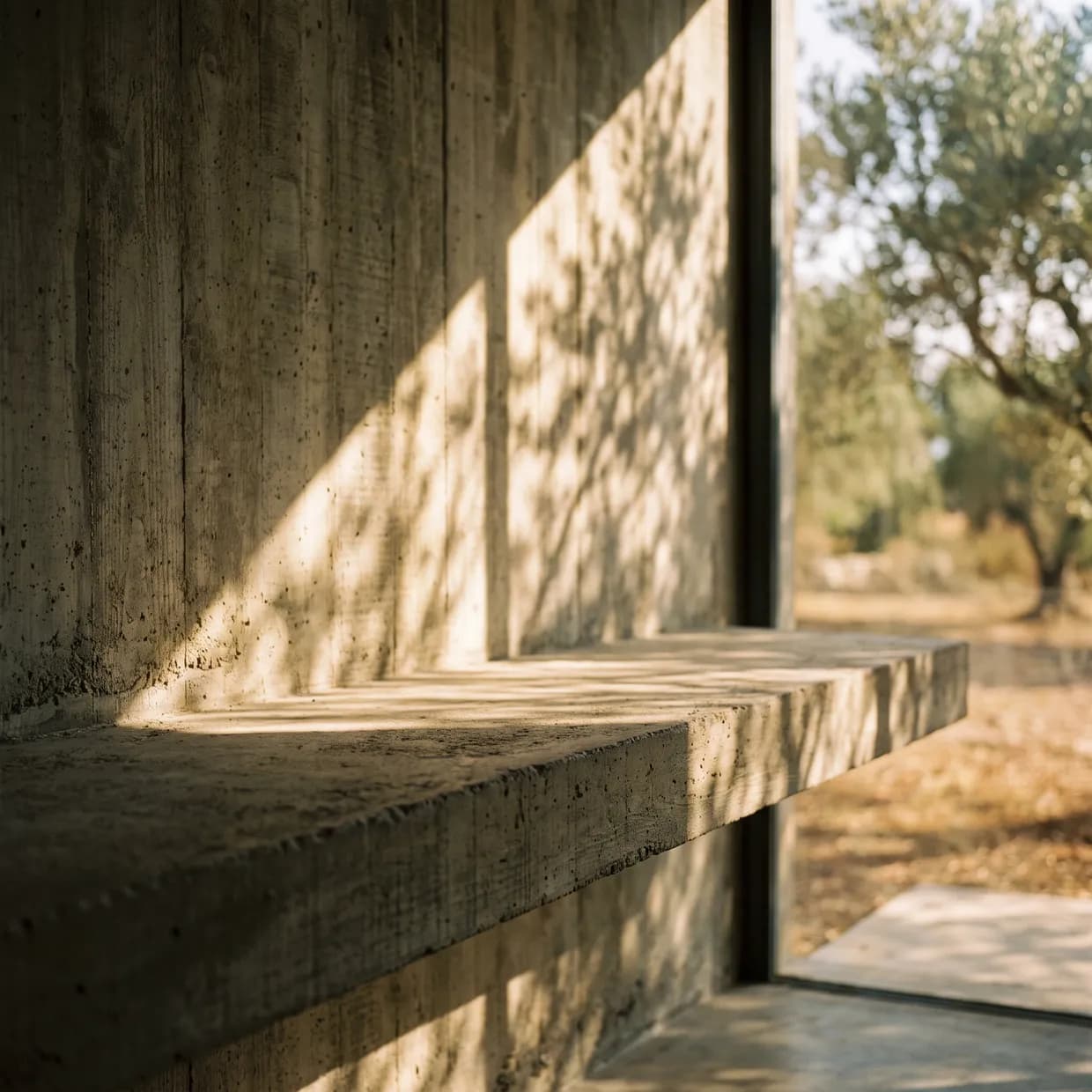
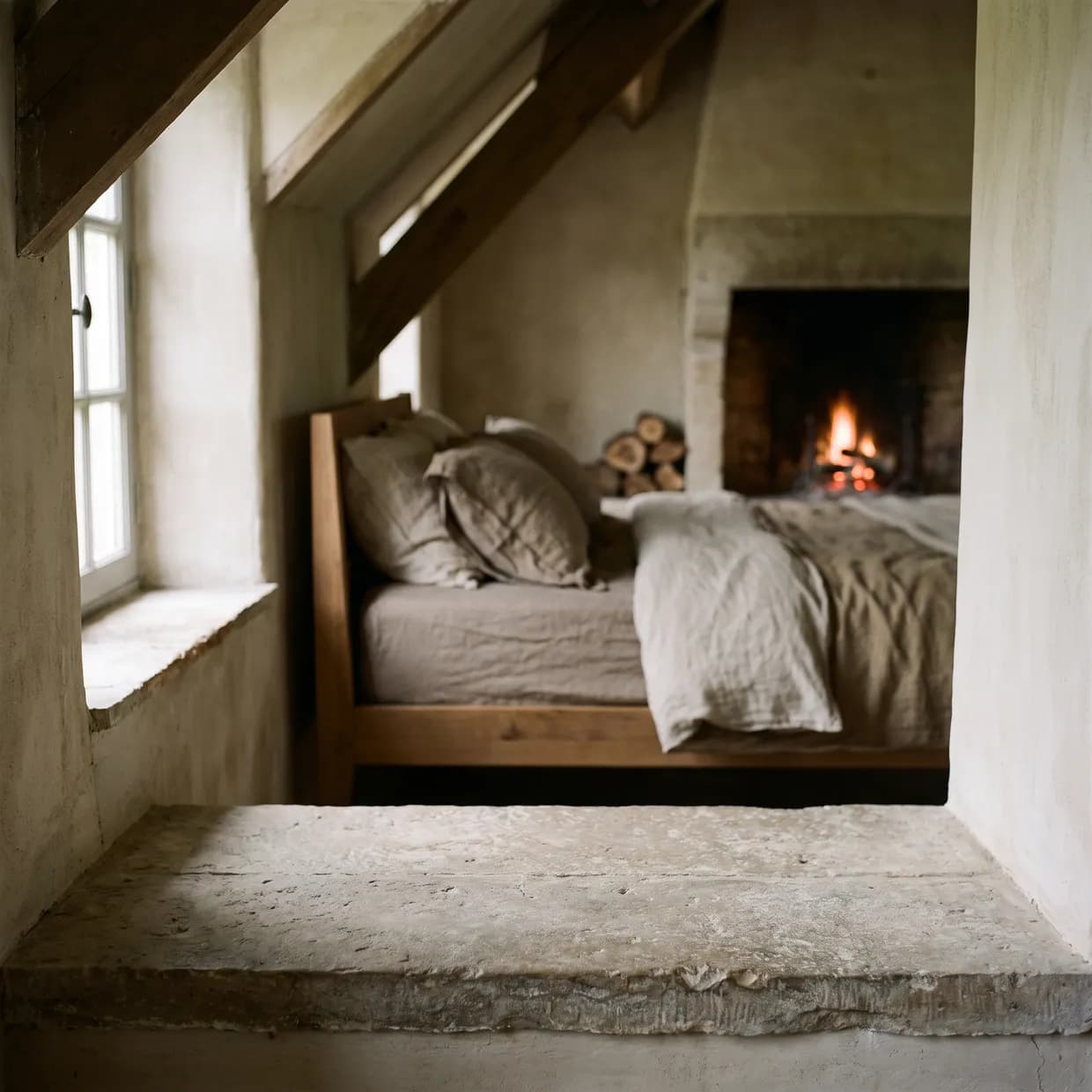
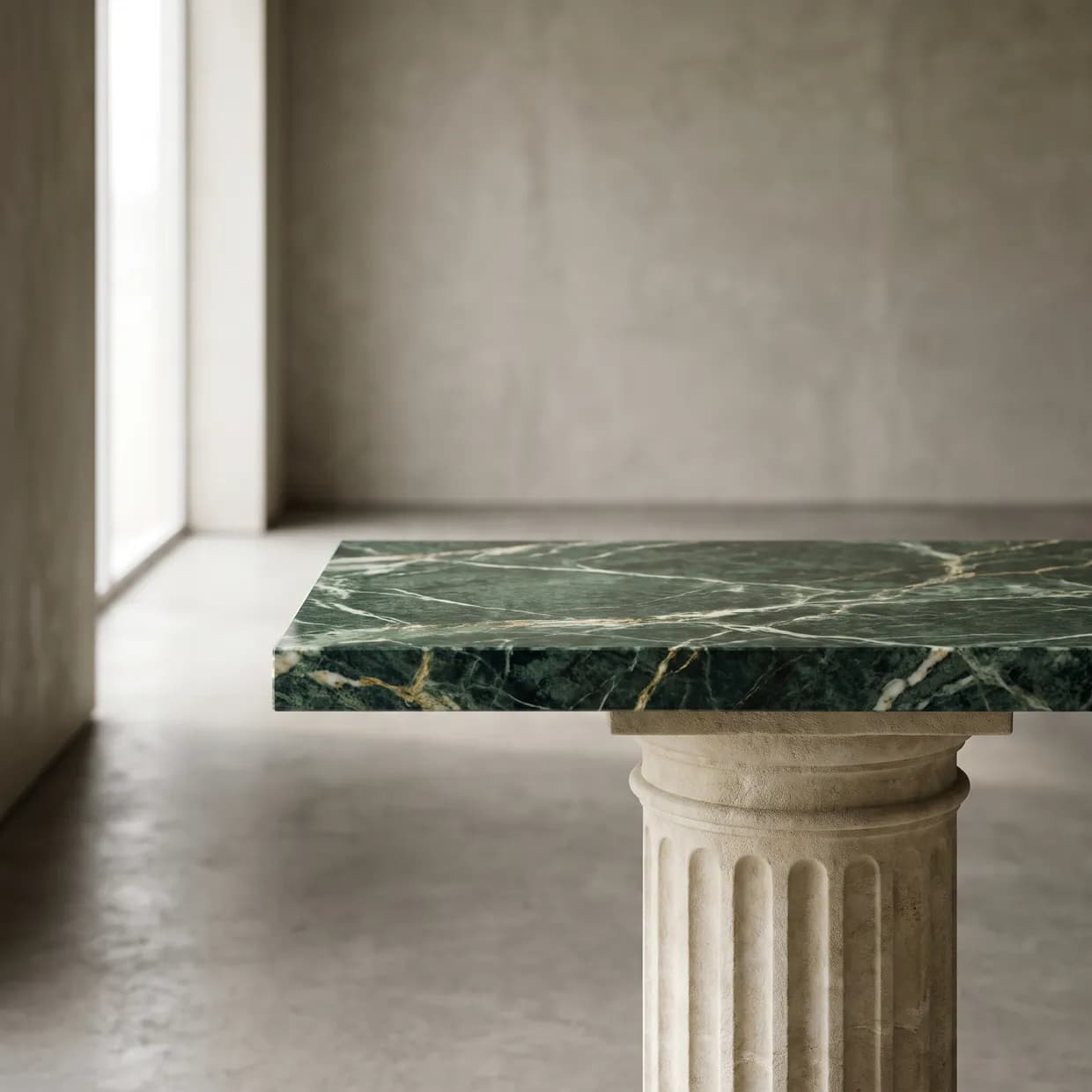
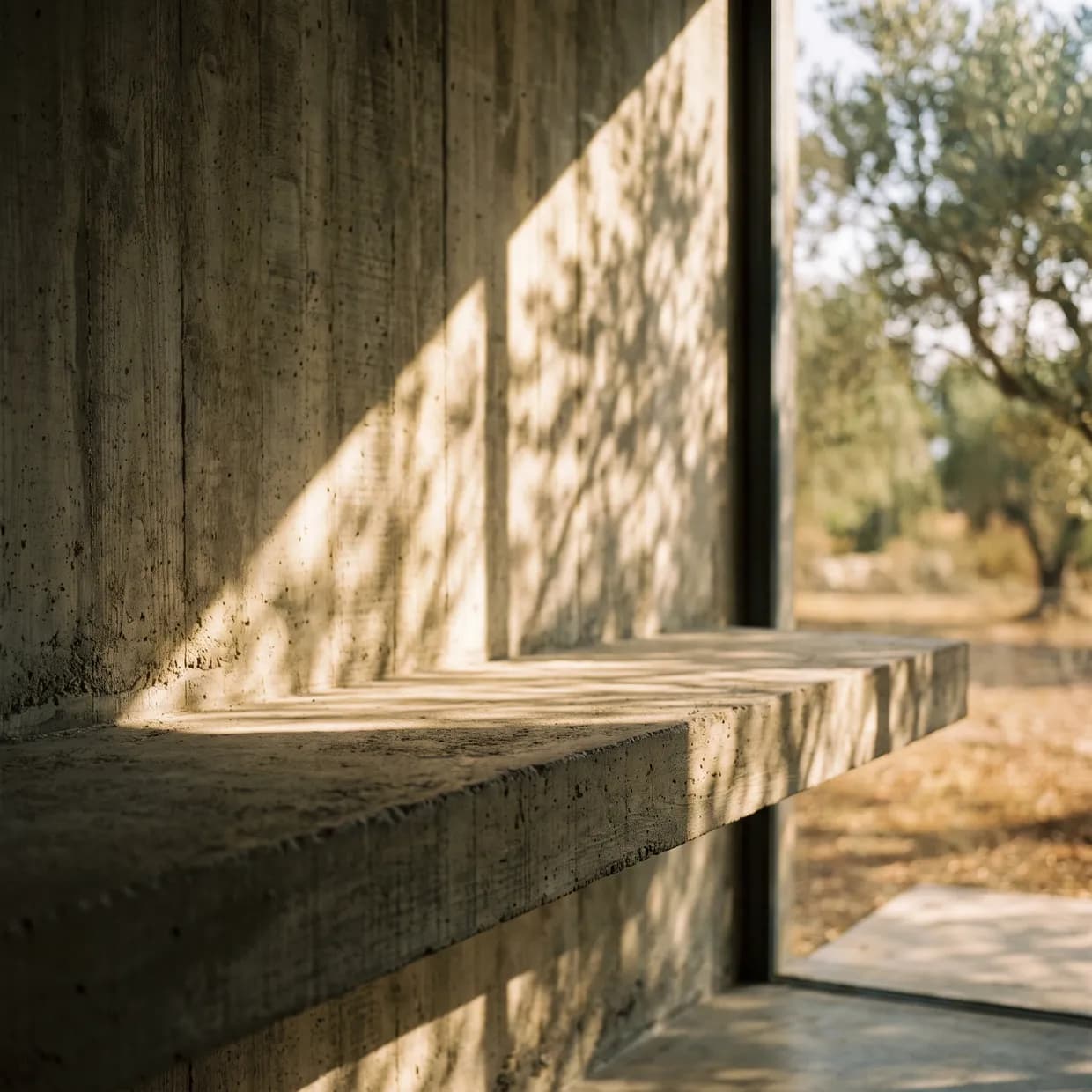
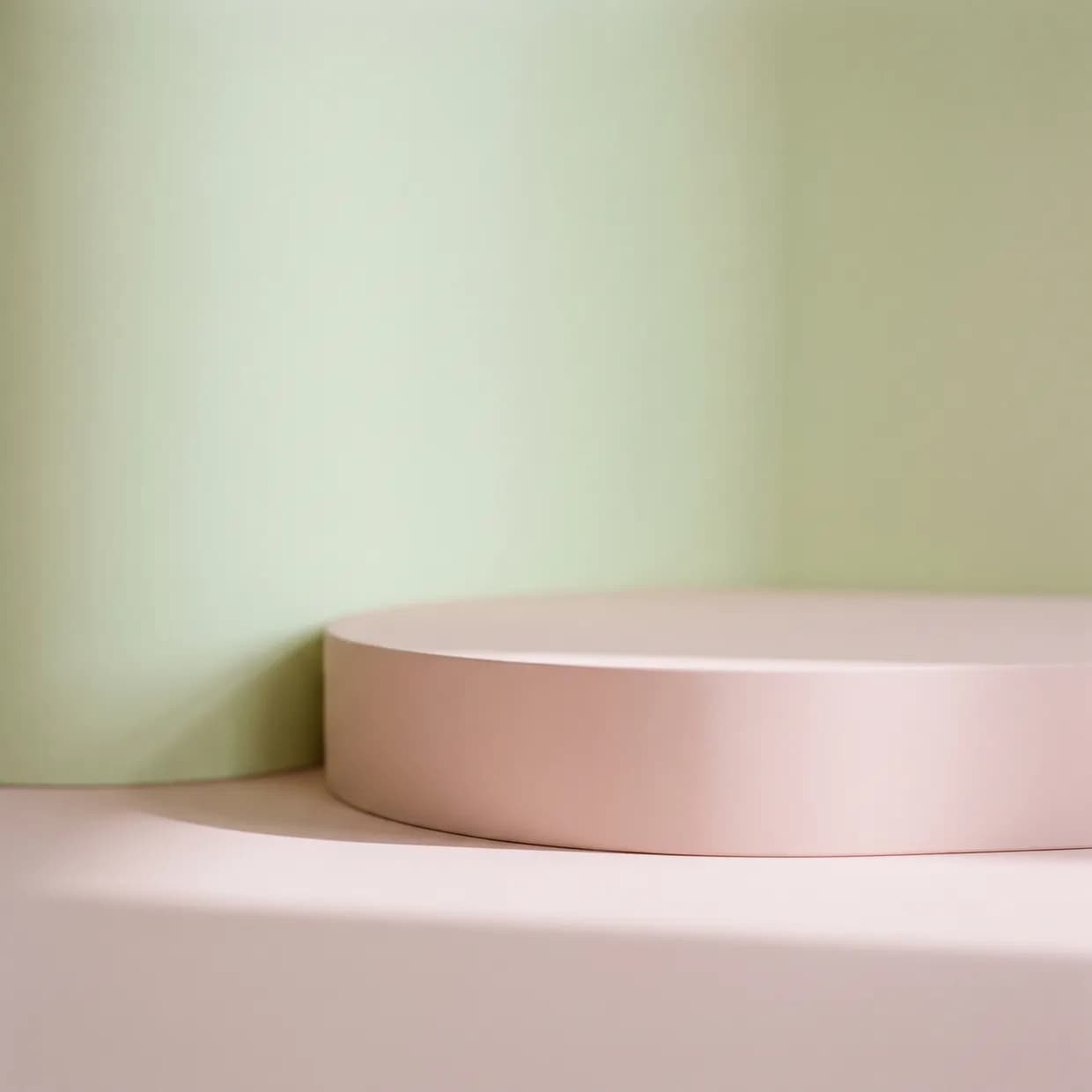
Onstage AI Background is built for that job and for the closely related job of changing or replacing a product photo background. Pick a ready-made scene (for example a soft studio, a marble or wood surface, or a fabric drape), upload a background, or describe the setting you want. If you only want the backdrop to change, say so in the optional prompt (for example, “keep the product as it is”). Then review shape, color, logos, text, edges, scale, and shadows before you download.
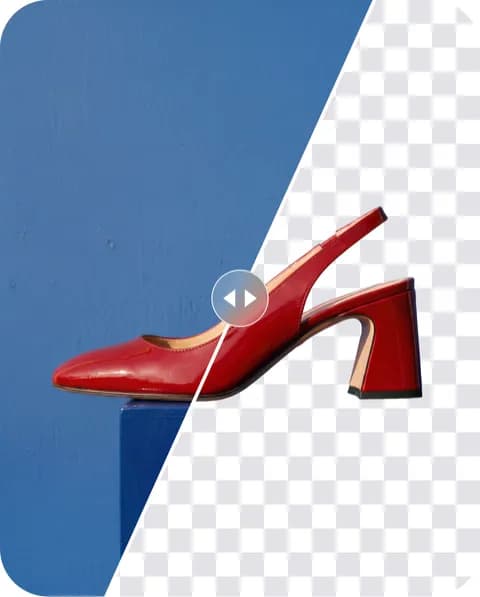
This is not the same as removing a background to a transparent or white cutout, changing the product’s color, or showing the product on a model. Use Background Remover for a clean cutout, Recolor when the product itself should change color, and Virtual Model when it should be worn, carried, or held. For a ready-made photo or video style, use Templates.